Quick Answer: A tattoo simulator on body uses AI to place a tattoo design on a photo of the client's actual skin, showing realistic placement, size, and color before any ink goes down. Makeover generates the preview in under 10 seconds, so studios can resolve placement doubt inside the consultation instead of sending the client home to decide.
What is a tattoo simulator on body? It's an AI tool that takes a photo of the client's actual body and digitally applies the chosen design to it — not a flat sticker dropped onto a selfie, but a render that accounts for body curvature, skin tone, and how light falls on that specific area. The client sees, on their own skin, exactly what they're about to commit to.
The situation: why body placement decisions stall
A client has already picked the design. What stalls the booking is where it goes.
Forearm or upper arm? Ribs or shoulder blade? They ask what you'd do. You tell them. They still hesitate — because they're standing there trying to picture permanent ink on skin they can see in the mirror, based on a reference sheet that shows the design on nobody's body in particular. That gap between what they're looking at and what they have to imagine is where the consultation loses momentum.
Placement is the decision clients second-guess longest, because it's the one part of a tattoo you genuinely can't take back without a cover-up. Left to imagination, some clients talk themselves out of booking that day. Others book, then come back unhappy with how the piece actually sits — which costs the studio more than the delay ever would.
The US tattoo industry runs 23,774 active businesses generating $1.3 billion in 2026, and that number keeps climbing. Industry growth doesn't fix a stalled consultation, though — a client who leaves "to think about placement" books with a competitor, or doesn't book at all.
A tattoo simulator on body closes that gap before the client stands up from the chair. They see the design on their own skin, at the size and spot they're actually weighing, and the decision stops being hypothetical.
How a tattoo simulator on body works
Three steps, run inside the consultation, nothing to install.
Step 1: Photograph the placement area. Ask the client to photograph or provide a clear image of the target body area — forearm, ribs, calf, wherever they're weighing it. Good lighting and a straight-on angle of the skin give the most accurate result; you're not asking for a studio shoot, just a clean photo.
Step 2: Upload and apply the design. Load the client's photo and the tattoo design into Makeover, then set the placement position and size. The AI maps the design onto the body's actual shape and skin tone rather than pasting it flat.
Step 3: Review the result with the client. The render appears in under 10 seconds. Adjust size, position, or orientation on the spot until they're satisfied — the whole loop happens while they're still sitting in the chair, not after they've gone home to "think about it."
The Makeover Body Placement Framework
This four-step framework helps studios move clients from placement uncertainty to confirmed booking in a single consultation session.
| Step | What to do | Outcome |
|---|---|---|
| 1. Photograph | Client photographs target body area in clear light | Real skin, curvature, and tone used as simulation input |
| 2. Apply | Studio uploads design to Makeover and adjusts size and position | AI generates photorealistic body placement preview |
| 3. Simulate | Client views the result and evaluates placement and scale | Visual uncertainty resolved without ink on skin |
| 4. Confirm | Client approves placement, size, and orientation | Booking confirmed, no post-appointment regret |
This framework works because it replaces a vague back-and-forth about placement with a visual decision the client makes themselves. It's also a fast thing to hand a new artist or piercer during onboarding — it turns "walk them through placement" into a repeatable four-step routine instead of something each staff member figures out on their own.
What studios gain from body simulation
Placement decisions get made in the room. Without a visual reference, clients take placement questions home to think over — and a percentage of them never come back to book. With a body simulation, the decision happens at the consultation, while you're still there to answer the next question.
Fewer regretted placements. Placement and sizing are among the reasons tattoo clients most commonly cite when a piece disappoints them later, right alongside picking the wrong design. A preview that accounts for the client's actual body curvature and skin tone catches that mismatch before the tattoo exists, not after.
Sizing conversations get easier. Clients routinely misjudge how a design reads at a given scale — a piece that looks right on a reference sheet can swallow a forearm or disappear on a shoulder blade. A body simulation shows them the actual scale on their actual skin, so the size conversation is settled with a picture instead of a guess.
A visibly different consultation. Most studios still walk clients through placement with a mirror and a Sharpie outline. Offering a photorealistic preview instead is a tangible difference clients notice and mention — in reviews, and to the friend they bring for their next piece.
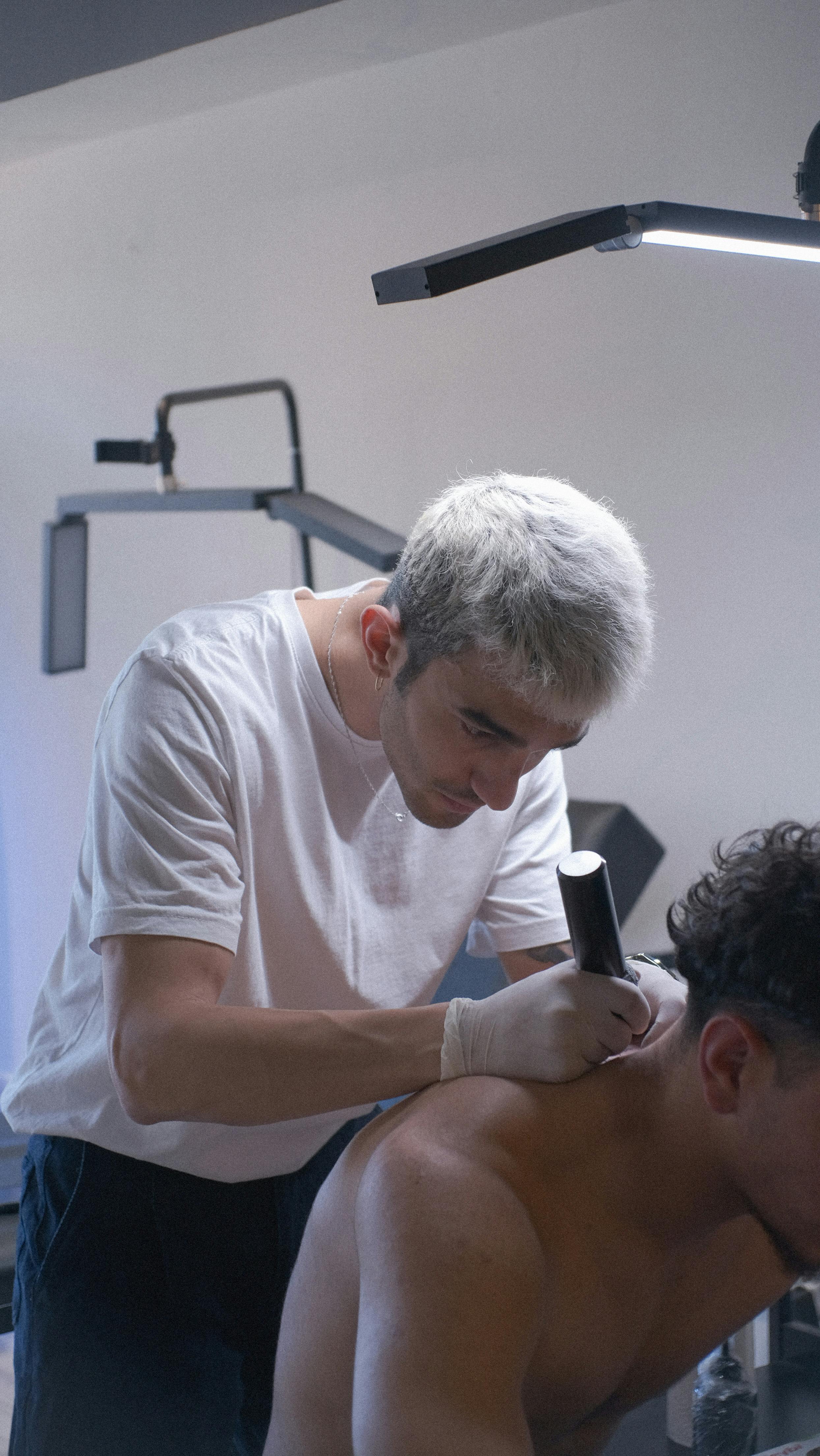
Why Makeover for tattoo body simulation
Consumer tattoo apps treat body placement as a novelty filter — a flat overlay dropped onto a selfie, no read on body shape or skin tone underneath it. That kind of preview looks obviously fake, and a client who's about to commit to permanent ink notices. It undermines confidence instead of building it.
Makeover is built for the consultation room, not the App Store. The AI reads the client's actual photo and adapts the design to that body's real geometry, so what the client sees is close to what they'll actually get.
Honest limitation: the result is only as good as the photo. A clear, well-lit shot of the target area produces a reliable simulation; a blurry photo taken at an angle will not. Build a ten-second photo-guidance step into the start of the consultation and this stops being an issue.
Makeover builds this as custom consultation software scoped to each studio's workflow — there's no generic sign-up or off-the-shelf app to download. Studios that want it start with a free consultation with our team.
Explore related use cases: virtual tattoo try on, tattoo simulator, and our tattoo placement preview tool for studios. See all industry use cases on our use cases page or read more on our blog.
Bottom-line summary
Placement is where tattoo consultations stall, not design. A body simulator removes the guesswork by showing the client exactly how a piece looks on their own skin, at the size and spot they're weighing. Makeover processes a real body photo in under 10 seconds, accounts for skin tone and body curvature, and hands the client a photorealistic answer instead of a mental image — which is what turns hesitation into a booking before they leave the chair.
Try Makeover for your studio
Show clients exactly where their tattoo will sit. Talk to Makeover about building body placement simulation for your studio's consultations.