Quick answer: A tattoo placement preview tool lets artists show clients a photorealistic image of a design sitting on their actual body before the session starts. Makeover generates that preview in under 10 seconds from the client's own photo, runs in any browser with no install, and gives studios a way to confirm placement — and close the booking — inside the consultation itself.
What is a tattoo placement preview tool for studios? Professional software that shows exactly how a design will sit on a specific client's skin, at true size and angle, before any ink goes down. The artist photographs the target area, places the design on it, and the client sees the real result — not a mockup, not a stencil guess. They decide with the picture in front of them, not a picture in their head.
This guide draws on tattoo industry market research, studio consultation patterns, and product development work across visual transformation businesses.
Why placement confidence drives tattoo bookings
A client can love a design and still walk out without booking. The reason is almost never the art — it's that they can't see it on themselves.
You describe how it'll sit. They nod along and picture something. But what they picture and what you mean are rarely the same thing, and neither of you finds out until the design is already halfway through healing. So the client says they'll "think about it," and a large share of "I'll think about it" never comes back.
That hesitation is rational, not difficult. A tattoo is permanent, and permanent decisions deserve more certainty than a verbal description can give. The fix isn't a better pitch — it's removing the guesswork before the client leaves the chair.
The stakes for getting this right are rising with the market. The global tattoo market is projected to grow from USD 2.66 billion in 2026 to USD 5.99 billion by 2034. More studios will be competing for the same walk-ins and referrals over that window — the ones who convert consultations into booked chairs, rather than "I'll be back," pull ahead.
How Makeover's placement preview tool works
Makeover runs on any browser-connected device — no software to install, no dedicated hardware. A preview takes three steps and fits inside the consultation you're already running.
1. Photograph the target area. Ask the client to photograph the spot they want tattooed, in decent light, straight on. This takes seconds and doesn't interrupt the flow of the conversation.
2. Place the design. Load the client's photo and the design into Makeover, then position, size, and angle it to match what you'd actually tattoo — not a rough approximation.
3. Generate and review together. Makeover renders a photorealistic result in under 10 seconds. Turn the screen toward the client, walk through it, adjust if needed, and move straight into booking while the decision is still fresh.
Photo to confirmed placement usually takes under two minutes.
The Makeover Studio Consultation Framework
This is how studios use Makeover to structure the consultation itself — replacing each point of ambiguity with something the client can actually see.
| Consultation stage | Standard approach | With Makeover |
|---|---|---|
| Design discussion | Verbal description of placement | Placement shown on the client's real body in under 10 seconds |
| Size confirmation | Estimation by hand or stencil | Exact size previewed on the client's body |
| Orientation decision | Client imagines the position | Client sees the actual angle before deciding |
| Booking confirmation | Client "thinks about it" at home | Client confirms in the room, with the image in front of them |
| Post-booking regret | Common, drives no-shows and cancellations | Rare — the client already approved what they're getting |
Every row in the "standard approach" column is a point where a client can stall. Move each one to the "with Makeover" column and the consultation ends in a decision instead of a maybe.
Share this framework with your team. It's a useful way to get every artist in the studio running the same consultation process instead of relying on individual sales instinct.
What studios gain
More same-day bookings. Unresolved doubt about placement is the single biggest reason a client leaves without booking. Answer it visually, in the room, and there's nothing left to "think about" at home.
Fewer last-minute cancellations. A client who saw and approved the exact placement doesn't spend the night before second-guessing themselves — they already made the decision with the real picture in hand, not an imagined one.
Cleaner sessions for the artist. When placement, size, and angle are confirmed before the appointment, the artist starts with a settled brief instead of negotiating adjustments once the client is already in the chair.
A visible point of difference. Most studios in any given area offer comparable skill and comparable portfolios. A professional AI placement preview is still rare enough that offering it reads as a step up — and that's the kind of detail clients mention when they refer someone.
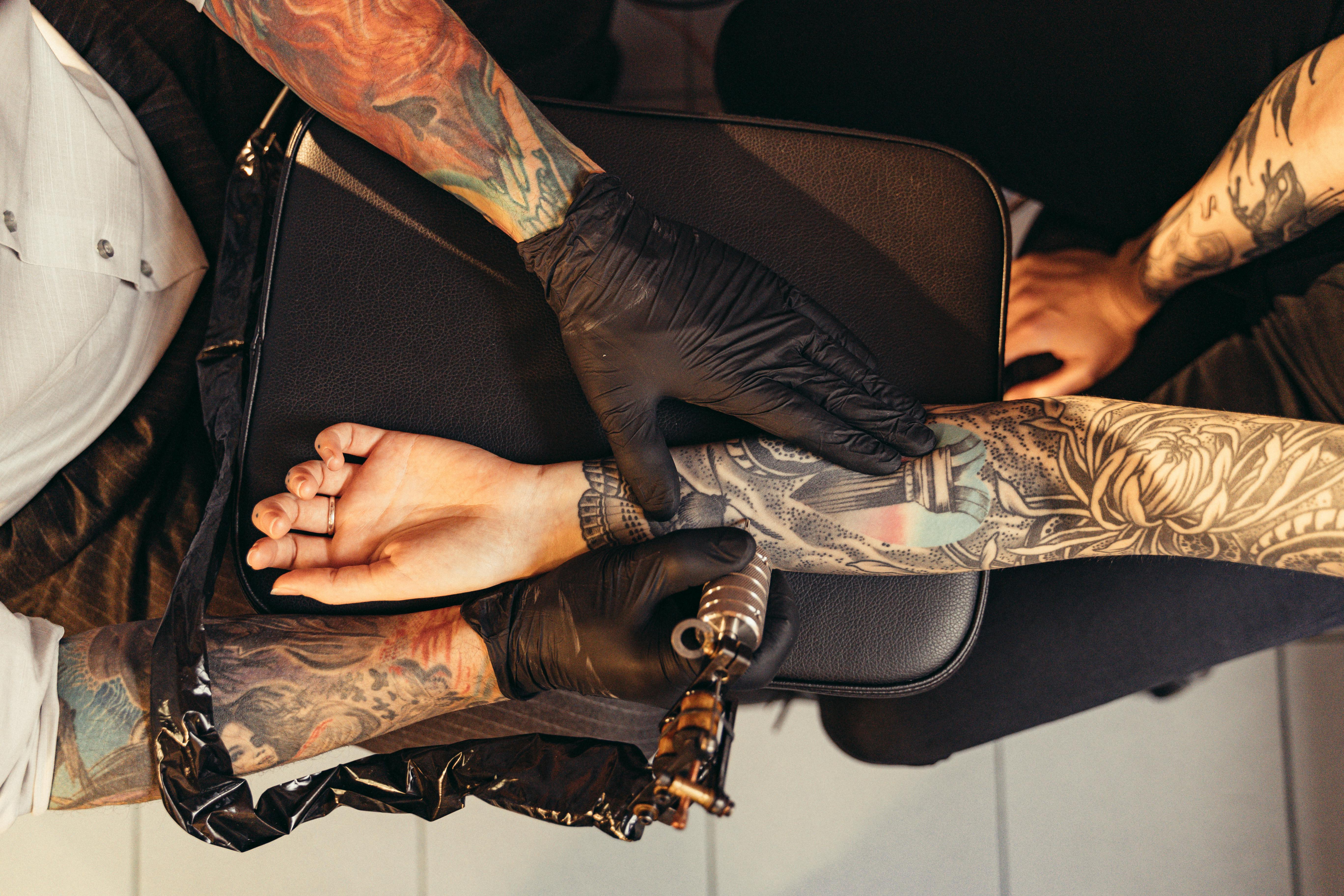
Why Makeover for professional studio use
Placement preview tools split into two categories, and they're not interchangeable: consumer apps built for entertainment, and professional tools built for a business consultation.
Consumer apps overlay flat, generic body templates on a selfie. They're built to be fun for a few seconds, not to hold up under scrutiny when a client is deciding whether to spend their money and commit their skin. Showing a client a novelty-filter result in a paid consultation undercuts the professionalism you're trying to sell.
Makeover is built for the second category. It generates a photorealistic result from the client's own body photo — not a template — designed to be shown in a formal consultation and to carry the weight of an actual decision.
| Factor | Consumer tattoo apps | Makeover |
|---|---|---|
| Uses the client's real body photo | Rarely | Always |
| Photorealistic result | No | Yes |
| Built for professional consultations | No | Yes |
| No image storage | Varies | Always |
| Browser-based, no install | Sometimes | Always |
| Result in under 10 seconds | No | Yes |
| Custom-built for your industry | No | Yes |
One honest limitation: Makeover needs a clear, reasonably well-lit photo of the target area to produce its best result. If your studio's consultation lighting is dim or uneven, have clients step near a window or a brighter fixture before you photograph the area — it takes a few extra seconds and noticeably improves the render.
Makeover builds this kind of preview software as a custom project scoped to each studio — there's no generic sign-up or off-the-shelf plan, because every studio's brand, workflow, and client base is different.
Explore related reading: virtual tattoo try-on, tattoo simulator on the body, tattoo simulator. See more use cases on our use cases page and further reading on our blog.
Bottom-line summary
Placement doubt is the top reason a good consultation doesn't turn into a booking. A professional placement preview closes that gap while the client is still in the room: Makeover renders a photorealistic result from their own body photo in under 10 seconds, in any browser, with no install and no image stored unless the studio chooses to keep it. Studios that build this into every consultation see more same-day bookings, fewer overnight cancellations, and a visible point of difference that clients talk about. For a business built on a permanent decision, it's the most direct fix available for the moment where clients hesitate.
Bring this to your studio
Show clients exactly where their tattoo will sit before you pick up a needle. Talk to Makeover about building a placement preview tool for your studio's consultations.