Medical disclaimer: This article is for informational purposes only, does not constitute medical advice, and has not been reviewed by a licensed medical professional. Results vary by individual. Always consult a qualified healthcare provider before making any healthcare decisions.
Quick answer: A veneer preview tool for dentists is software that generates a photorealistic before and after image showing a patient how their smile will look after veneer placement — using their own photo as the starting point. The best tools produce results in under 10 seconds and require no design experience from the dentist.
What is a veneer preview tool for dentists?
A veneer preview tool is software that generates a photorealistic before-and-after image showing a patient how their own smile will look after veneer placement, using their actual photo rather than a stock model or diagram. The dentist photographs the patient in the consultation room, applies the planned shade, shape, and length, and the software returns a realistic simulation in seconds — no lab, no wax, no separate appointment.
This page draws on case acceptance research, cosmetic dental consultation patterns, and the veneer preview builds Makeover has shipped for dental practices.
Why do dentists need a veneer preview tool?
The hardest part of selling veneers is not the price. It is the uncertainty.
Patients arrive at a cosmetic consultation wanting to improve their smile. They hear the word "veneers," they see a treatment plan, and then they face a decision about spending thousands of dollars on a result they cannot see. Most respond with "let me think about it" — and a large share of those never call back.
Research from the American Academy of Cosmetic Dentistry has found that the overwhelming majority of adults consider an attractive smile a valuable social and professional asset. That gap — between how much people want the outcome and how little they can picture it — is exactly where cosmetic consultations stall. Peer-reviewed research on digital smile design backs this up directly: previsualization tools increase patient acceptance by letting patients see the outcome before committing to anything irreversible.
A veneer preview tool solves this problem at the consultation stage, not after it. When a patient sees their own face with veneers applied — in realistic colour, proportion, and texture — the decision stops being abstract. They are no longer buying a concept described in a treatment plan. They are buying a result they have already seen on their own face.
What makes a veneer preview tool effective?
Not every preview tool earns trust. A cartoonish rendering or a generic stock-model overlay can do more harm than good — it reads as a sales gimmick, not evidence. Here is what separates tools that convert from tools that generate scepticism:
1. Uses the patient's actual photo. A generic overlay applied to a standard dental chart model does not convince anyone. The preview has to show the patient's own face — their skin tone, their existing teeth, their lip shape. Personalisation is what makes the result feel real instead of theoretical.
2. Produces photorealistic output. Low-resolution or illustrated previews undercut trust the moment the patient sees them. The image needs to look like a photograph someone could have taken, not a rendering.
3. Generates in seconds, not days. A tool that takes twenty minutes cannot be used live. The consultation has one window — while the patient is still sitting in the chair, engaged, and asking questions. Miss that window and the preview becomes homework nobody does.
4. Requires no design training. Dentists and treatment coordinators are not graphic designers, and shouldn't need to become one. The tool has to be simple enough that any team member can run it without learning specialist software.
5. Is easy to share. Patients should leave with the image — by email, text, or printout. When they show a partner or parent that evening, conversion improves further, because the decision stops being made alone in an exam chair and becomes a decision the whole household weighs in on.
How does AI veneer preview work?
Modern AI veneer preview tools combine facial mapping with generative imaging to render realistic veneer results directly onto a patient's own photo.
The process, in practice:
- A photo of the patient is taken or uploaded — a standard smartphone camera photo works fine
- The software identifies the teeth, lips, and surrounding facial structure
- The planned veneer characteristics are applied — shade, shape, length, and width
- A photorealistic before-and-after image is generated
- The side-by-side is shown on screen for the patient within seconds
The key difference between AI tools and earlier Digital Smile Design (DSD) software is speed and accessibility. Traditional smile design software required a trained technician, specialist software, and a multi-day turnaround. An AI tool compresses that same job into the length of a consultation.
Veneer preview vs traditional wax-up: which converts better?
Both methods aim to help patients visualise their result. They are not equal in conversion impact.
| Factor | AI veneer preview | Traditional wax-up |
|---|---|---|
| Speed | 10 seconds | 1–3 days |
| Uses patient's actual face | Yes | No (physical model) |
| Cost per case | Minimal | Lab fee per case |
| Adjustable in consultation | Yes | No |
| Patient takes it home | Yes (image) | Limited |
| Emotional impact | High | Moderate |
| Conversion rate impact | High | Moderate |
The wax-up remains valuable for complex multi-tooth cases, where the physical model helps the dentist plan tooth reduction before treatment. But for the consultation moment itself — when the patient needs to feel confident enough to say yes — an AI preview on screen does more work.
Patients connect emotionally to an image of their own face. A plaster model, however precise, does not create that connection.
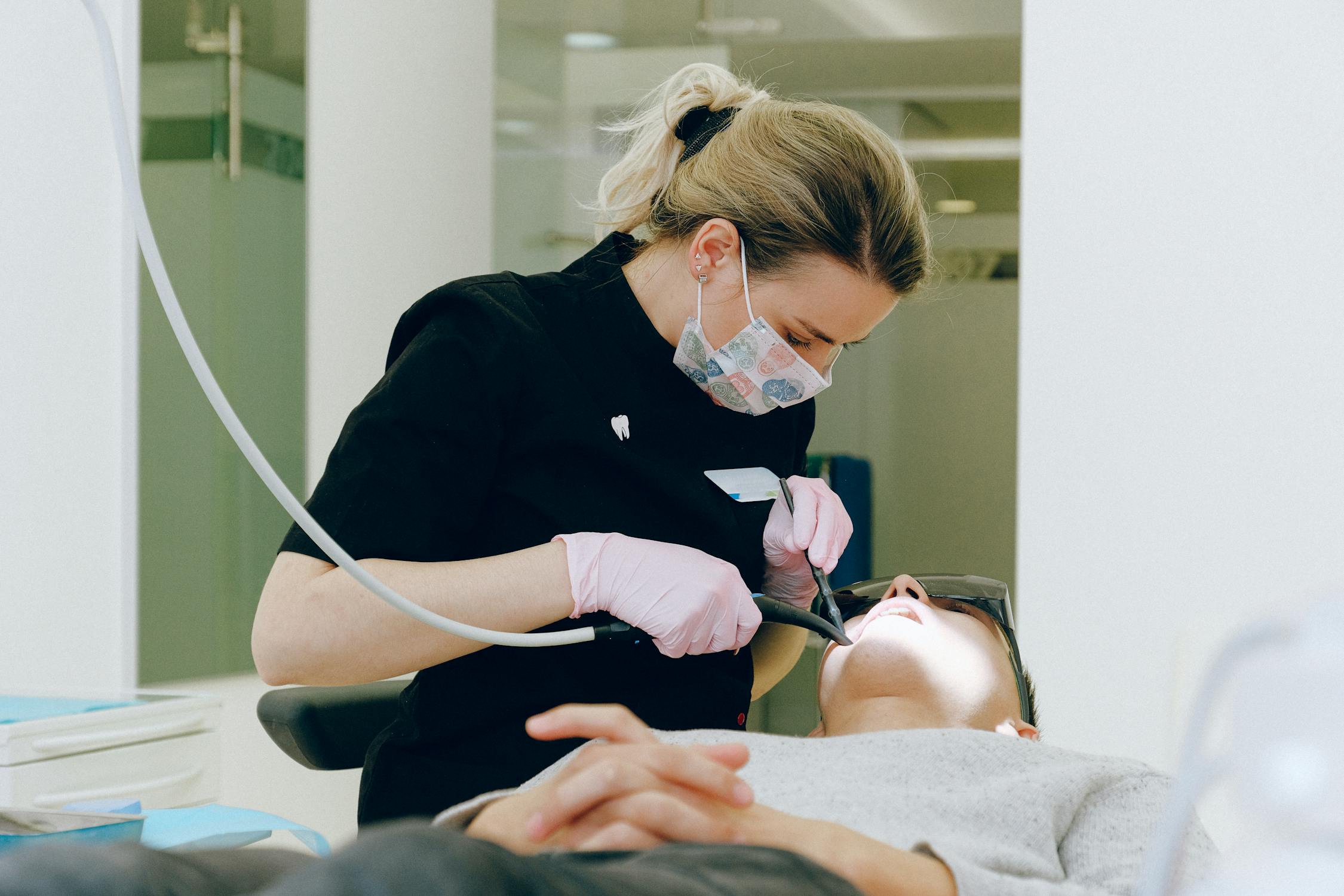
Photorealistic veneer previews use the patient's own photo as the baseline, not a generic dental diagram or stock smile.
How Makeover works for veneer consultations
Makeover builds custom preview software for dental practices, made fast enough to use in every consultation rather than a handful of hand-picked cases.
Here is how it runs once a practice has the software built for them:
- Upload the patient photo — taken in the consultation room, or pulled from a prior appointment
- Select the transformation — choose the shade, shape, and treatment type being discussed
- Generate the preview — the software returns a photorealistic before-and-after in under 10 seconds
- Show it on screen — walk through the side-by-side with the patient while they're still in the chair
- Send it home — the patient takes the image with them to discuss with a partner or family, which drives the follow-up booking
The software is built for dental teams, not graphic designers — no digital smile design training required, and any team member can run a preview. For a broader look at how smile transformation previews work across multiple treatments, see our guide to smile makeovers before and after.
There is no off-the-shelf plan or published price list. Every build is scoped to the practice's consultation volume and case mix. Share your details with Makeover and the team will walk you through it on a free consultation call.
The Makeover Veneer Consultation Scorecard
Use this five-point framework to assess whether a patient is consultation-ready for veneers — and to structure your presentation so each factor is addressed before asking for a decision.
| Factor | What to assess | Ideal response |
|---|---|---|
| 1. Smile concern clarity | Does the patient know exactly what they dislike? | "My teeth are too short / uneven / yellow" — specific is good |
| 2. Visual readiness | Have they seen their own result yet? | Generate the preview before discussing price |
| 3. Decision timeline | Are they deciding today or "just exploring"? | Use the preview to compress the timeline |
| 4. Budget awareness | Do they have a realistic sense of cost? | Confirm this before investing full consultation time |
| 5. Support circle | Will they consult a partner before deciding? | Send the preview image so they can share it |
Run through these five factors in order, and the preview stops being a demo gimmick and becomes the hinge point of the consultation — the moment a patient who walked in undecided leaves with a date on the calendar.