Show patients their new shade before they leave the chair
Photograph the patient's smile next to a shade tab. Makeover generates a photorealistic, shade-matched whitening preview in seconds — their own teeth at an achievable VITA shade, not a stock clinical photo pulled from a manufacturer brochure.
Custom-built for your industry · No commitment
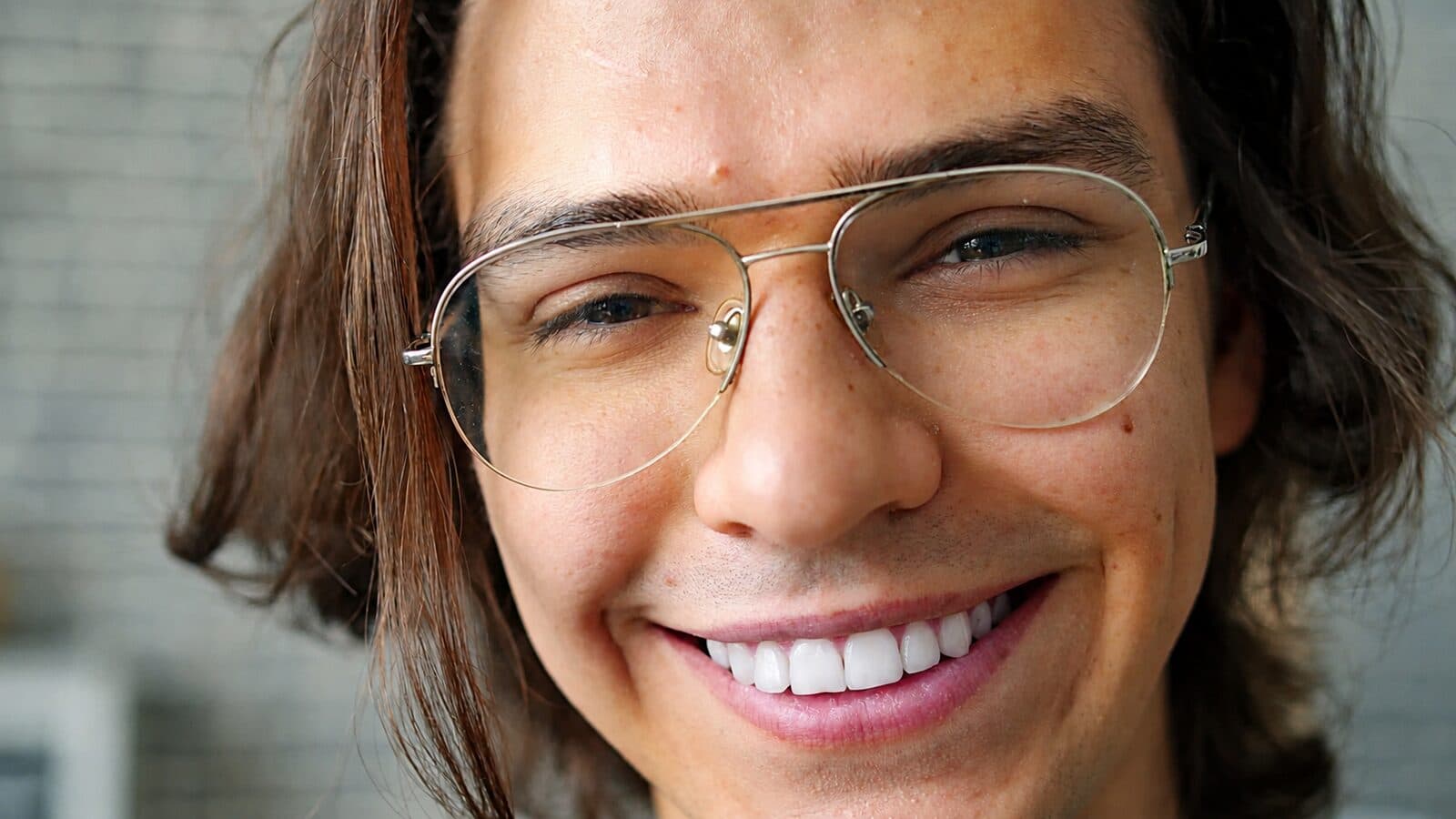

Drag the slider to compare
What is a teeth whitening preview?
A teeth whitening preview tool uses AI to generate a photorealistic image of a patient's smile at a lighter, clinically achievable shade before any bleaching treatment begins. The dentist or hygienist photographs the patient's current teeth next to a shade tab, and the software generates a chairside before-and-after showing the shade movement realistic for professional-grade whitening — the patient's own teeth, not a generic stock smile. Practices use it during hygiene visits and cosmetic consultations to turn a vague "I want whiter teeth" into a specific, bookable treatment plan on the spot.
Why it matters
Whitening is one of the few procedures where the patient walks in already wanting it — the barrier isn't demand, it's specificity. In-office power bleaching runs $400–$800 for a one-hour session; take-home custom tray systems run $150–$400. Most patients who skip the professional route default to $20 drugstore strips instead, not because they doubt whitening works, but because nobody showed them how many shades it would actually move their own teeth. A chairside preview closes that gap in the same visit it comes up, before the patient has time to leave and buy strips at the pharmacy instead.
Who uses this
General dentists use it during hygiene recall to turn a routine cleaning into a same-day whitening case, without scheduling a separate cosmetic consult. Dental hygienists, in states where scope of practice allows it, use it to open the whitening conversation on their own before the doctor exam. Cosmetic-focused practices use it as the entry point into a larger case presentation — whitening first, to establish the new baseline shade, then veneers or bonding built on top of it.
Heard this from a patient?
They ask "how much whiter will I actually get?" and all you have is a paper VITA shade guide to wave at them.
They already tried drugstore strips, saw almost nothing happen, and now assume professional whitening is just a more expensive version of the same disappointment.
They're worried the result won't match their existing crowns, veneers, or bonding — and won't commit to treatment until they know if they'll end up with a two-tone smile.
How teeth whitening previews work
Three steps. Under 10 seconds. No design skills needed.
Capture the baseline photo
A retracted or intraoral shot with a shade tab held next to the teeth for calibration. Standard operatory lighting works — no special imaging equipment required.
Generate the shade-matched preview
The model reads tooth morphology, gingival architecture, and the shade tab reference to produce a whitening result consistent with professional bleaching protocols.
Present chairside
Their own smile, before and after, on your tablet or chairside monitor. The whitening conversation — and the booking — happens before they're out of the chair.
Common questions about teeth whitening
Straight answers. No jargon.
Let's build the version made for your business
Every preview on this site is a variation of the same engine, tuned to one industry. Tell us about yours, and we'll show you exactly what we'd build for it.
We reply within one business day