Show clients their new wardrobe before they buy a single piece
Photograph the client in whatever they walked in wearing. Makeover generates a photorealistic preview of the proposed look — new pieces, existing closet pieces, or a mix of both — on their own body and coloring, in seconds. They see the finished outfit before a dollar gets spent.
Custom-built for your industry · No commitment
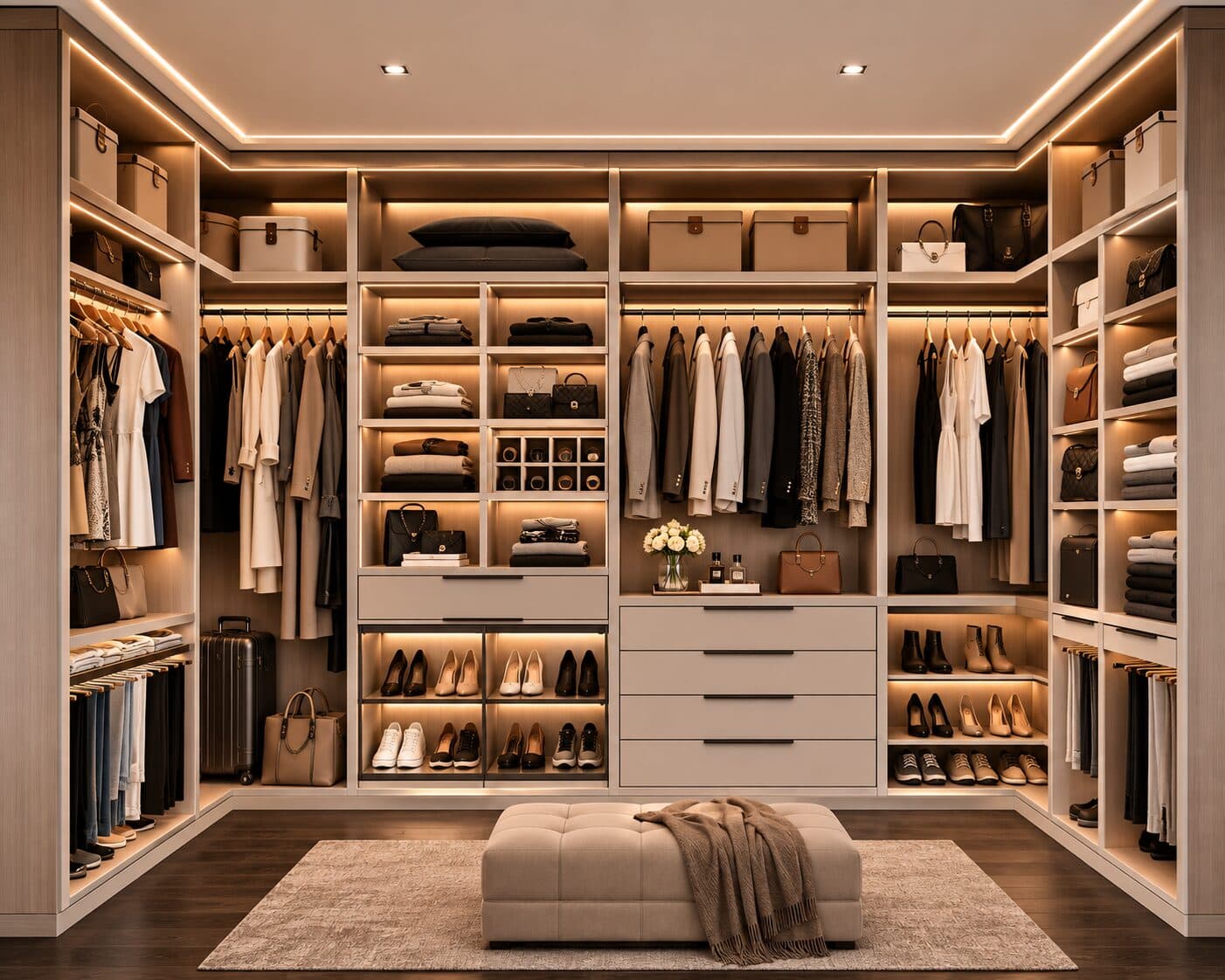
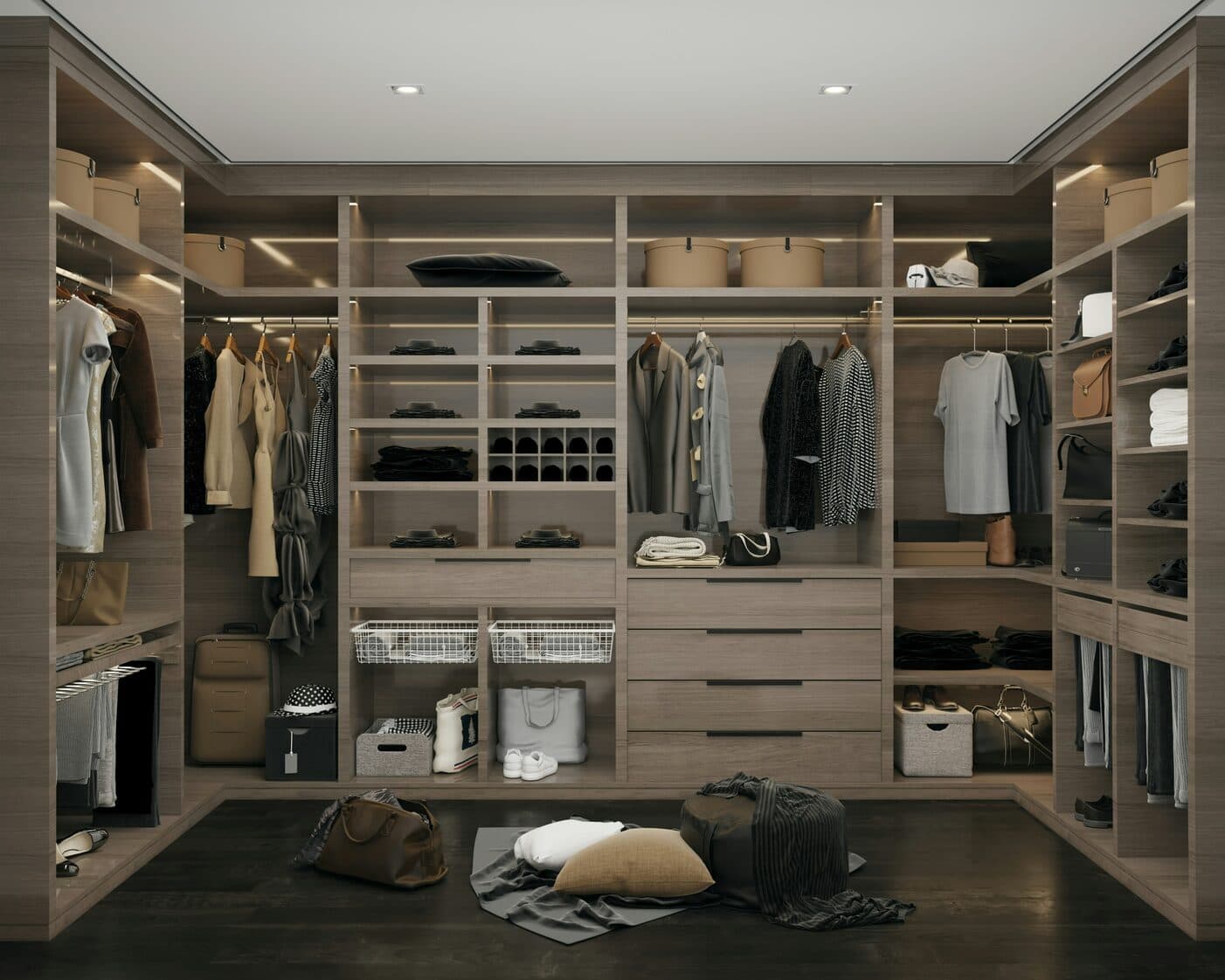
Drag the slider to compare
What is a wardrobe makeover preview?
A wardrobe makeover preview tool uses AI to generate a photorealistic image of a client wearing a proposed outfit or full look before it's purchased, borrowed, or altered. The stylist photographs the client, and the tool renders the new garment, color, and silhouette combination on the client's own body and skin tone — not a mannequin, a sample-size model, or a Pinterest reference. Personal stylists, image consultants, and personal shoppers use this during closet edits and shopping sessions to get client buy-in before spending the styling budget.
Why it matters
A closet edit and capsule wardrobe build typically runs $300–$800 for the stylist's time alone, before a single new garment gets purchased, and personal shopping add-on hours run another $100–$250 each. Clients rarely stall because they doubt the stylist's taste — they stall because they can't picture a recommended piece working with the six items they already own and wear on rotation. That gap between "I trust you" and "I can see it" is where sessions run long, shopping carts get abandoned mid-trip, and clients go home to "sleep on it" and never place the order.
Who uses this
Personal stylists and image consultants running closet edits and capsule wardrobe builds. Personal shoppers at department stores and boutiques building full outfits for clients on the sales floor. Corporate and executive image consultants prepping clients for a new role, a rebrand, or a public-facing position. Wardrobe consultants working with clients through a body change, postpartum return, or gender-affirming transition who need an entirely new relationship with their closet.
Heard this from a client?
They stand in front of a closet full of clothes and tell you, again, that they have nothing to wear — because no one has ever shown them how the pieces actually go together.
You recommend something slightly outside their comfort zone — a bolder color, a different silhouette — and they hesitate because they can't picture it next to what they already own.
You pull up a lookbook or a Pinterest board for reference and they say "that's a totally different body than mine, that won't look like that on me" and lose confidence in the whole plan.
How wardrobe makeover previews work
Three steps. Under 10 seconds. No design skills needed.
Photograph the client as they arrive
Whatever they're wearing that day, in normal light. The closet, the fitting room, or the shop floor all work — no studio setup required.
AI generates the look preview
The model combines new pieces, existing wardrobe items, or both on the client's own body, proportions, and coloring — accurate silhouette and drape, not a stock outfit swapped onto a different frame.
Present during the session
Their own reflection in the new look, right there at the closet edit or in the fitting room. The "let me think about it" moment disappears because there's nothing left to imagine.
Common questions about wardrobe makeover
Straight answers. No jargon.
Let's build the version made for your business
Every preview on this site is a variation of the same engine, tuned to one industry. Tell us about yours, and we'll show you exactly what we'd build for it.
We reply within one business day