Stage the listing before the photographer packs up the camera
Photograph the empty room. Makeover generates a photorealistic staged preview in under 10 seconds — furniture, rugs, and art styled to the price point, not a stock catalog room dropped into four walls.
Custom-built for your industry · No commitment
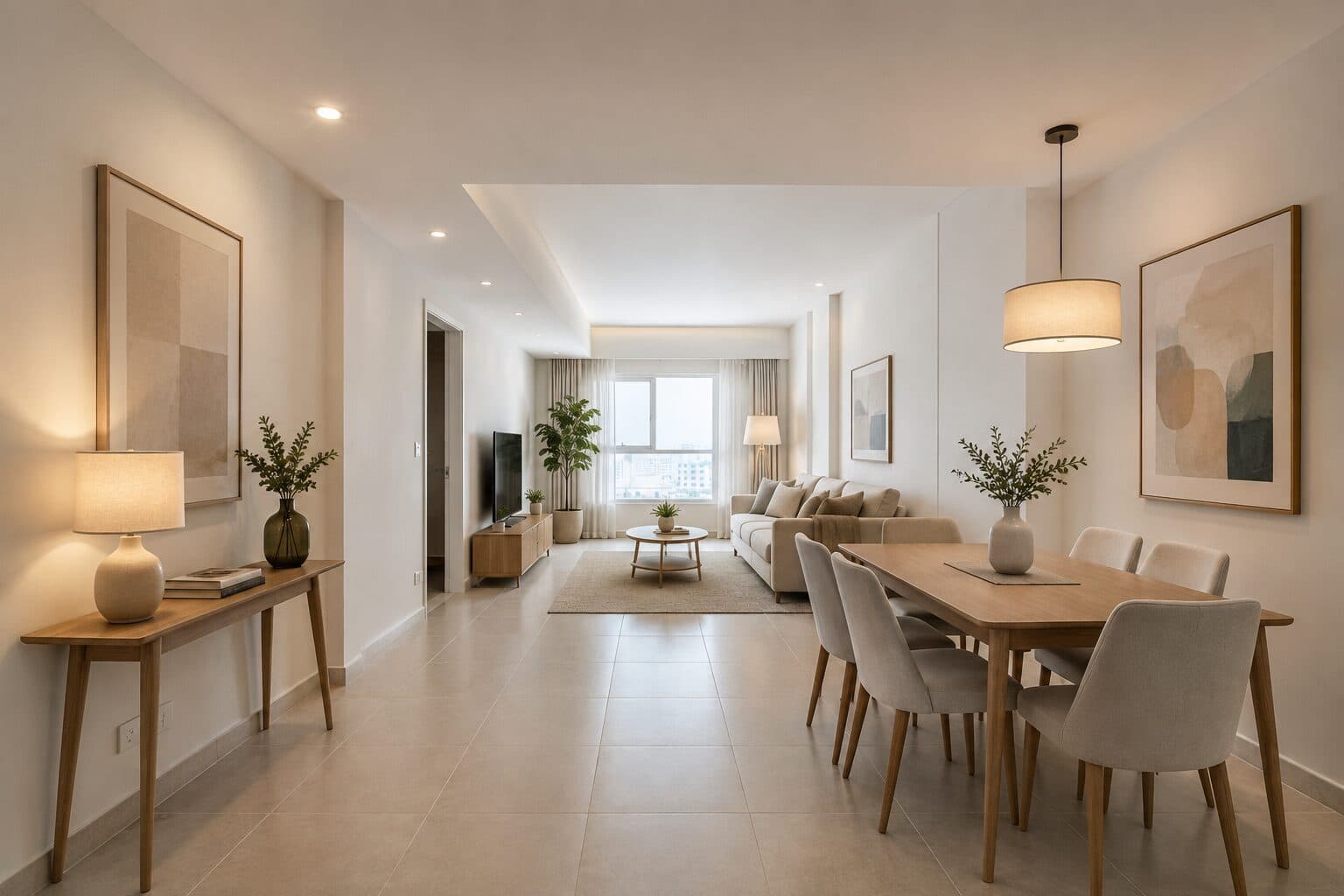
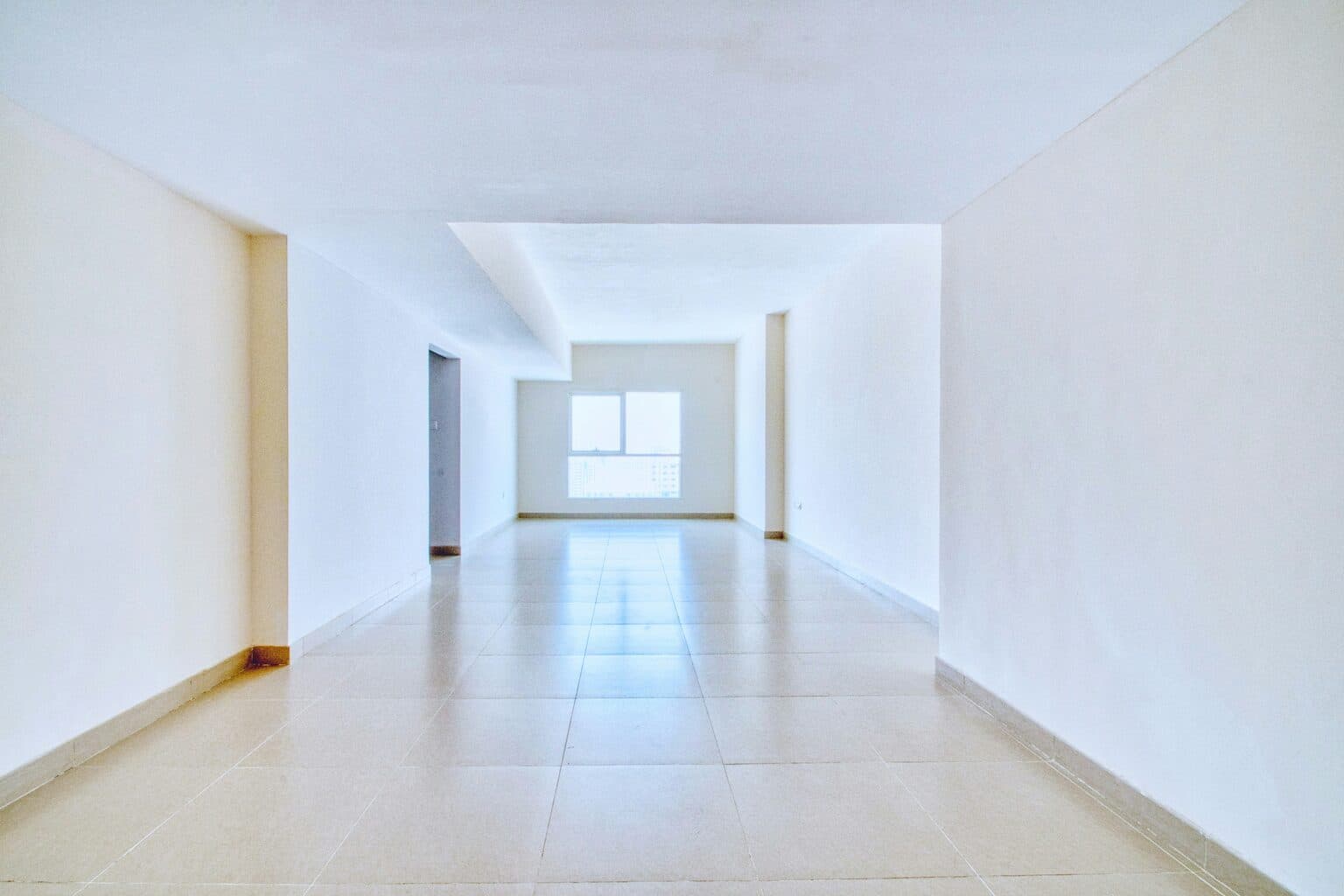
Drag the slider to compare
What is a virtual staging preview?
A virtual staging tool uses AI to digitally furnish an empty or dated room in a real estate listing photo, replacing the cost and lead time of renting physical furniture. The agent or photographer uploads a photo of the actual room, and the tool generates a photorealistic image with furniture, decor, and styling added — while preserving the room's true dimensions, windows, flooring, and architectural details. Agents, photographers, and property managers use it to make vacant or outdated listings show-ready in seconds instead of the days or weeks physical staging requires.
Why it matters
Vacant listings are a well-known drag on time-on-market — buyers struggle to gauge room scale and flow without furniture as a reference point, and empty rooms photograph flat and unwelcoming next to staged comps in the same price bracket. Physical staging works, but it costs real money and time: rental furniture packages typically run $2,000–$10,000+ a month depending on square footage and market, plus a design consult, a moving crew, and a one-to-two-week lead time before the listing photographer can even show up. Sellers routinely balk at that cost on a home they hope to have under contract in three weeks. Virtual staging solves the same visualization problem without the rental truck.
Who uses this
Listing agents who need staged photos live before the weekend open house, not next week. Real estate photographers adding staging as a line item to their shoot package instead of subcontracting it out to a separate vendor. Property managers and iBuyers staging dozens of turnover units at once, where a rental furniture budget per unit doesn't pencil out. Home flippers and investors who want buyers to see a property's renovated potential mid-rehab, before the drywall dust has settled.
Heard this from a buyer?
A buyer walks the vacant unit and says "I can't picture where anything would go" — then submits a lowball offer, or nothing at all.
The seller says no to a $3,000-a-month furniture rental for a house they're hoping to have under contract in three weeks.
Your empty listing photos sit next to fully staged comps in the same price bracket on the Zillow grid, and buyers scroll right past the thumbnail.
How virtual staging previews work
Three steps. Under 10 seconds. No design skills needed.
Photograph the room
Standard listing photography — wide-angle, natural light, empty or cluttered as it sits. No furniture rental, no moving crew, no delay to the shoot.
AI generates the staged preview
The model adds furniture, rugs, art, and decor styled to the home's price point and buyer demographic, while preserving the room's actual dimensions, flooring, trim, and window placement.
List it
Upload the staged image to the MLS and marketing materials with the required "virtually staged" disclosure, ready before the listing goes live.
Common questions about virtual staging
Straight answers. No jargon.
Let's build the version made for your business
Every preview on this site is a variation of the same engine, tuned to one industry. Tell us about yours, and we'll show you exactly what we'd build for it.
We reply within one business day