Show business owners their new sign on their actual building before fabrication
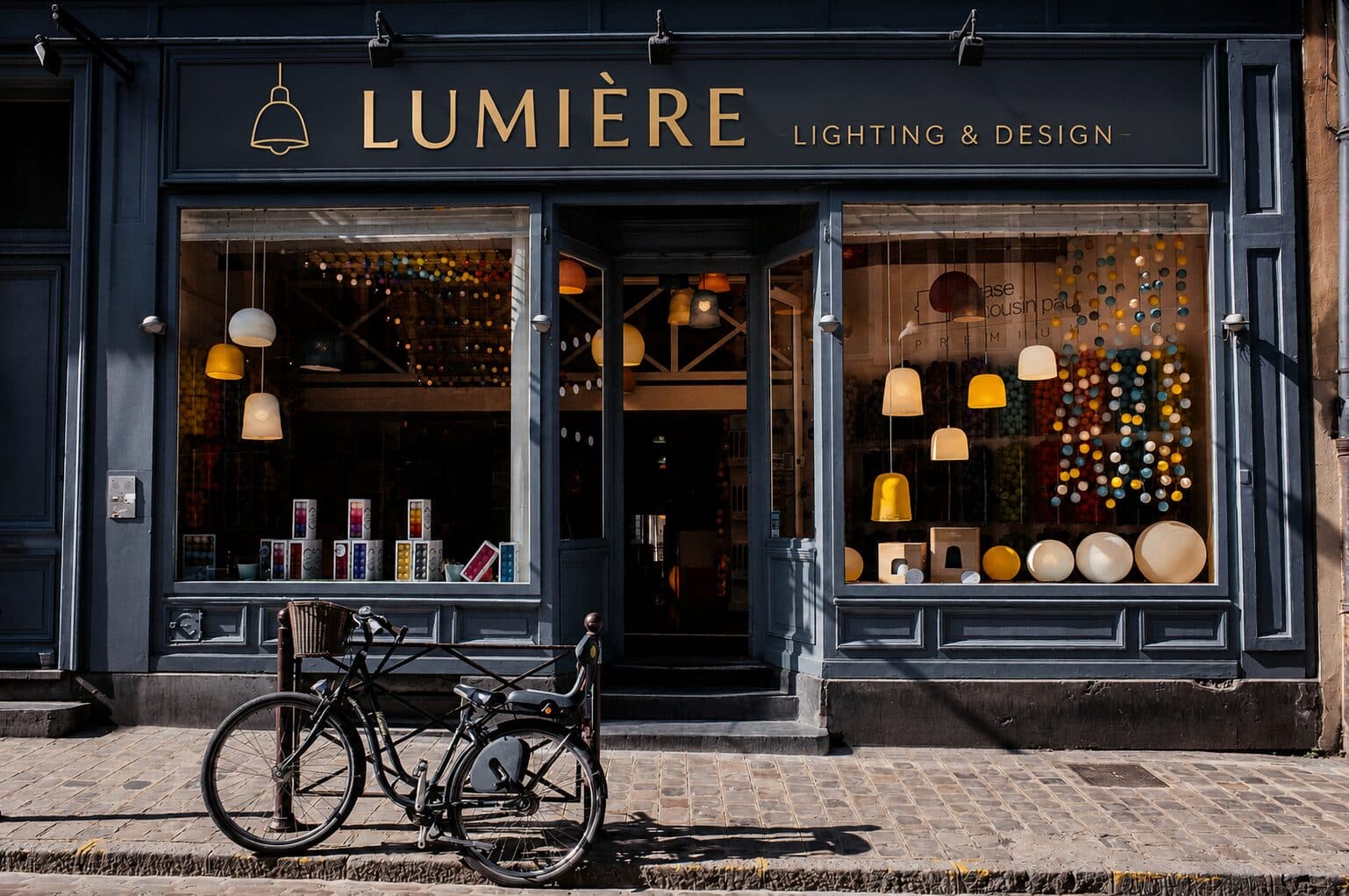
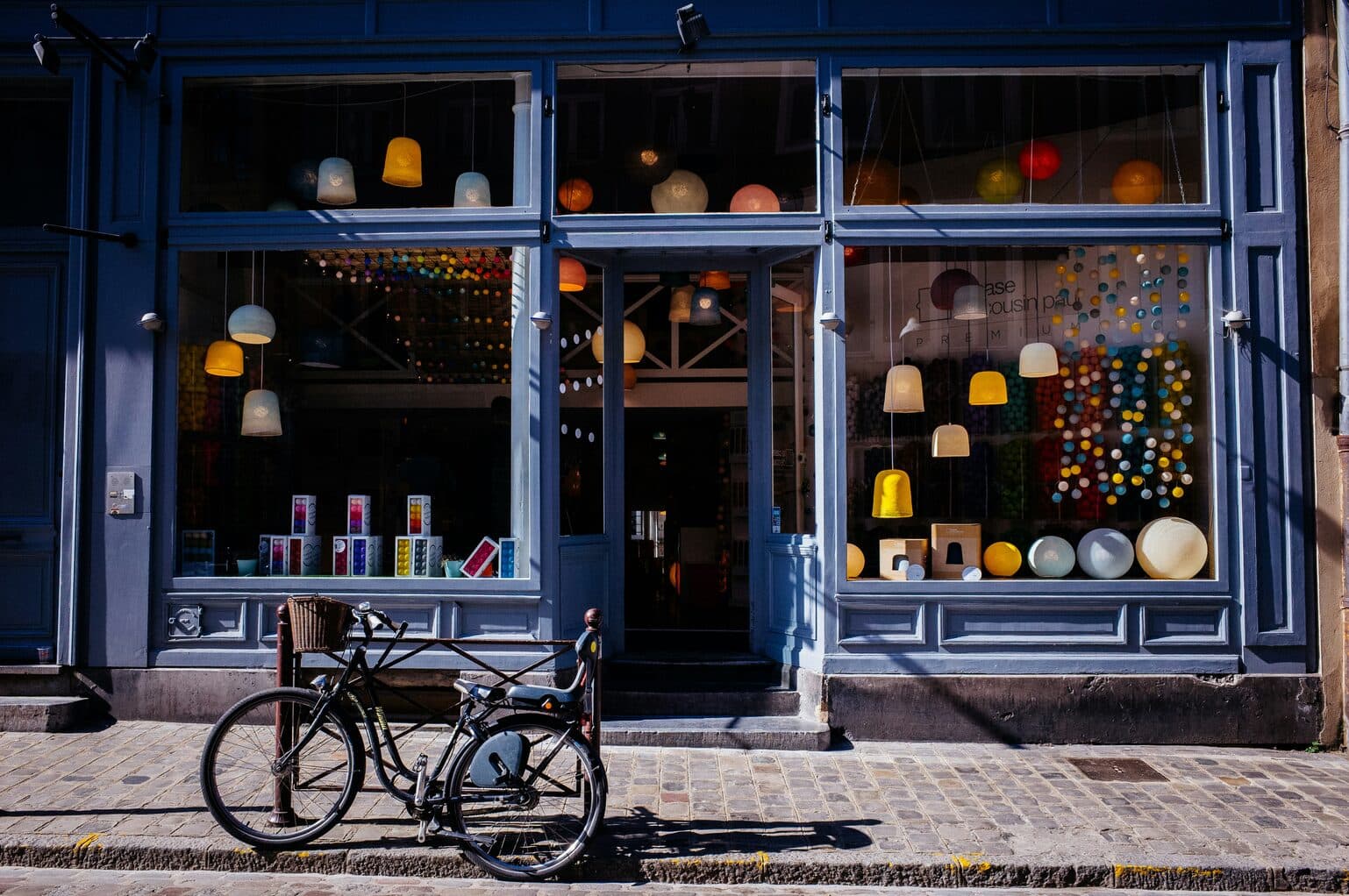
Photograph the storefront facade. Makeover generates a photorealistic signage preview in under 10 seconds — mounted at true scale, in the proposed materials and illumination, on their real building, not a proof floating on a white background.
Custom-built for your industry · No commitment
Drag the slider to compare
What is a storefront signage preview preview?
A storefront signage preview tool uses AI to generate a photorealistic image of a proposed sign — channel letters, a monument sign, a blade sign, an awning — mounted directly on a business's actual building facade. The sign company photographs the storefront, and the tool produces a side-by-side comparison showing the sign at true scale, in the correct materials and illumination, against the client's real brick, stucco, or glass storefront. Sign shops use this during the sales consultation and permit submission process to win design approval faster and cut revision rounds.
Why it matters
A basic set of non-illuminated channel letters runs $2,000–$5,000 installed; an illuminated channel letter package with a raceway typically lands between $4,000 and $15,000; a monument sign with LED illumination and a masonry base easily clears $10,000–$30,000. At those numbers the sign is rarely a same-visit close. It goes to the property owner or landlord for lease-compliance sign-off, often to a franchisor's brand-standards reviewer, and frequently to the local zoning or planning department before a permit gets pulled. Every one of those approvals moves faster when the person signing off can see the actual sign on the actual building instead of a flat proof with a Pantone chip and a dimension callout.
Who uses this
Sign company account executives running the initial site consultation. Graphic designers who build the proof and want client sign-off before cutting a mechanical drawing. Owners of smaller sign shops who handle both sales and design. Permit expediters assembling a submission packet for a historic district or overlay zone review. Franchise brand-standards coordinators confirming a corporate-approved sign package will actually fit and read correctly on a specific unit's facade.
Heard this from a business owner?
A restaurant owner looks at your channel letter proof — white background, Pantone swatch, dimension lines — and asks "but what does that actually look like on my building?" You have no answer beyond "trust the drawing."
The property manager or franchisor has to approve the design before you can pull a permit. They sit on it for weeks because a flat proof doesn't tell them whether 18-inch letters will actually read right against that specific brick band and canopy.
The zoning board tables your permit application in a historic overlay district because the submission has spec sheets but no rendering showing the sign in context — so you're back in front of them next month.
How storefront signage preview previews work
Three steps. Under 10 seconds. No design skills needed.
Photograph the storefront
A straight-on daytime shot of the facade from the sidewalk. Any phone camera works — no scaffolding, no measuring tape, no scheduled site visit required.
AI generates the signage preview
The model places your proposed channel letters, monument sign, blade sign, or awning at true scale and correct mounting position, rendering the material finish and illumination against the actual brick, stucco, EIFS, or glass storefront.
Present for sign-off
Show the business owner, the landlord, the franchisor, or the permit reviewer their own building with the sign on it. Approval moves from a guess to a look.
Common questions about storefront signage preview
Straight answers. No jargon.
Let's build the version made for your business
Every preview on this site is a variation of the same engine, tuned to one industry. Tell us about yours, and we'll show you exactly what we'd build for it.
We reply within one business day