Show homeowners a pool in their actual backyard before they sign a design deposit
Photograph the yard from the patio door. Makeover generates a photorealistic pool addition preview in under 10 seconds — the exact shape, decking, and coping laid into their real yard, next to their real fence, trees, and patio, not a brochure photo of someone else's pool.
Custom-built for your industry · No commitment
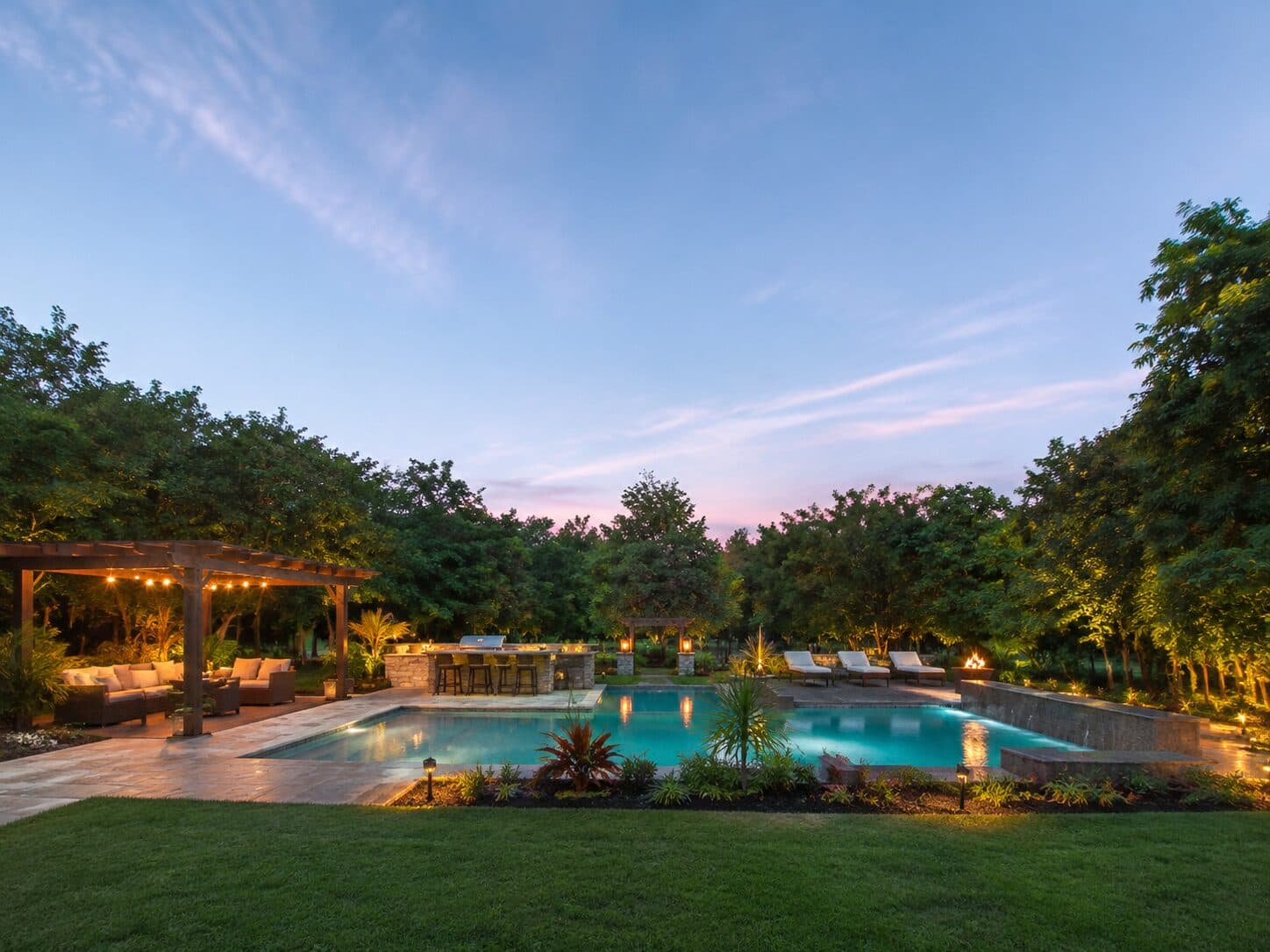
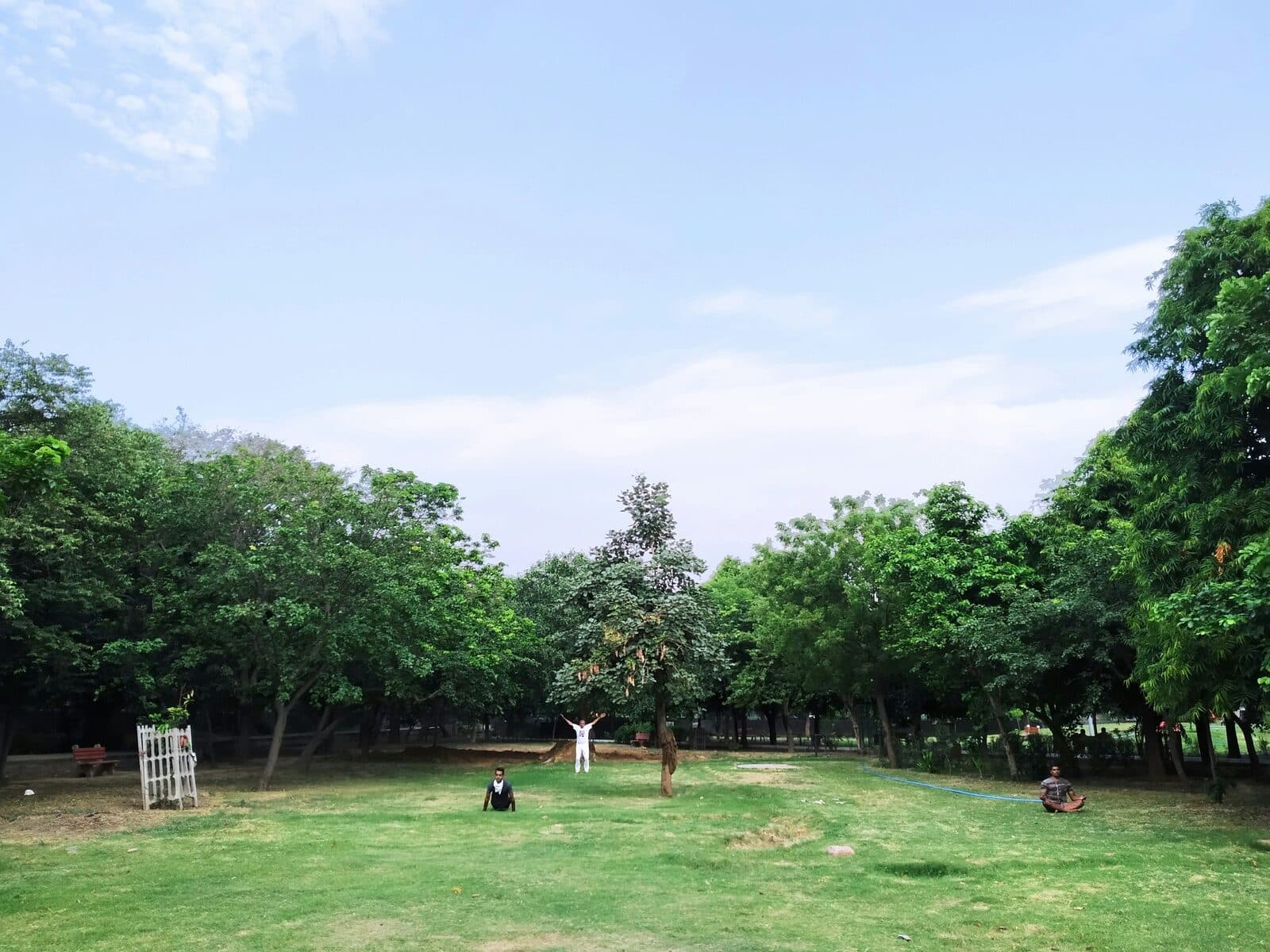
Drag the slider to compare
What is a pool addition preview?
A pool addition preview tool uses AI to generate a photorealistic image of what an in-ground or above-ground pool would look like once installed in a homeowner's actual backyard. The contractor photographs the existing yard, and the tool renders the proposed pool shape, decking, and coping into that same photo while preserving the fence line, patio, and mature trees. Landscape design-build firms and pool contractors use this during the first site visit to resolve the "will it even fit" question and move a homeowner from browsing to a signed design deposit.
Why it matters
A backyard pool addition typically runs $55,000–$120,000 once you add decking and coping, and it climbs past $150,000 with a spa or water feature — a five- to six-figure decision most homeowners sit on for months while collecting two or three competing bids. What kills the deal at the kitchen table usually isn't the price, it's spatial doubt: can this actually fit next to the shed, the swing set, and the forty-foot oak, and still leave room to entertain. A photorealistic preview of the pool in their own yard collapses that doubt during the first site visit, before a competitor's proposal ever lands in the inbox.
Who uses this
Pool designers and sales consultants on landscape design-build teams who run the initial site consultation. Outdoor living contractors who bundle a pool into a full backyard renovation alongside decking, an outdoor kitchen, and planting. Landscape architects producing concept visuals for homeowners weighing a pool against other high-ticket backyard options. Pool dealers and retailers running showroom consultations who want to show a specific pool model in the customer's own yard instead of a catalog photo.
Heard this from a homeowner?
Homeowners ask "will a pool even fit back here with the shed and the oak tree?" and all you have to answer with is a tape measure and a hand-drawn site sketch.
You show them a glossy brochure photo of a freeform lagoon pool. They say "that's not our yard — ours slopes and backs right up to the fence."
A couple can't agree on a geometric lap pool versus a freeform shape, the decision stalls for weeks, and the design deposit never gets signed.
How pool addition previews work
Three steps. Under 10 seconds. No design skills needed.
Photograph the backyard
Shoot from the patio door or deck — the vantage point where the homeowner will actually see the pool every day. Existing fence, trees, and structures stay in frame.
AI places the pool in the actual yard
The model renders the proposed pool shape, decking material, and coping into the real yard, keeping the grade, fence lines, and any trees or structures that are staying in place exactly as they are.
Present at the kitchen table or on-site
Their own backyard, with the pool already in it. The conversation moves from "will it fit" to picking a shape and a start date.
Common questions about pool addition
Straight answers. No jargon.
Let's build the version made for your business
Every preview on this site is a variation of the same engine, tuned to one industry. Tell us about yours, and we'll show you exactly what we'd build for it.
We reply within one business day