Show clients their piercing — or full curated ear — before you mark the skin
Photograph the ear, nose, or navel. Makeover generates a photorealistic preview with the exact jewelry — hoop, stud, or barbell — placed at the position you're considering. Clients approve their own anatomy, not a stock photo of someone else's ear.
Custom-built for your industry · No commitment
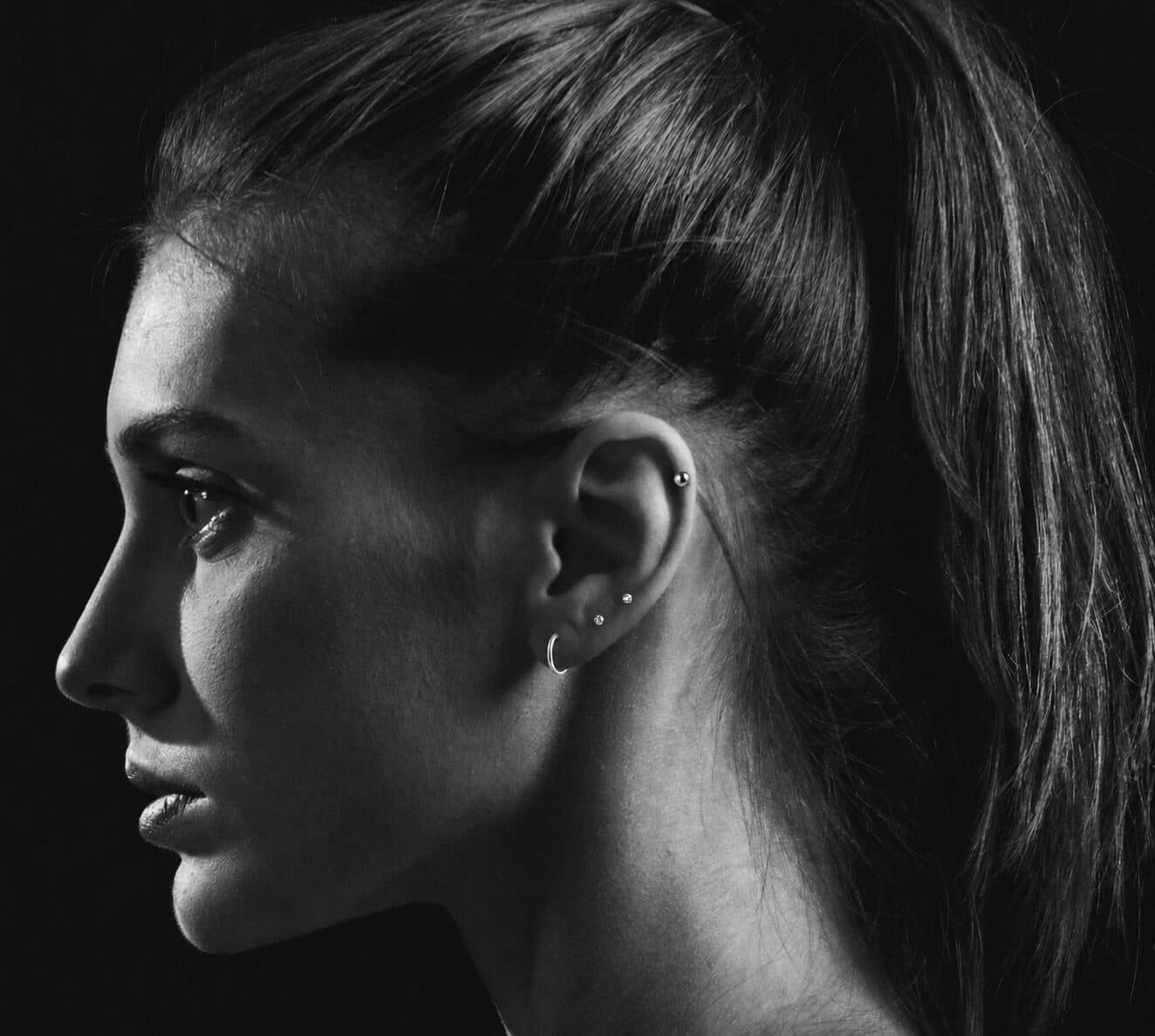
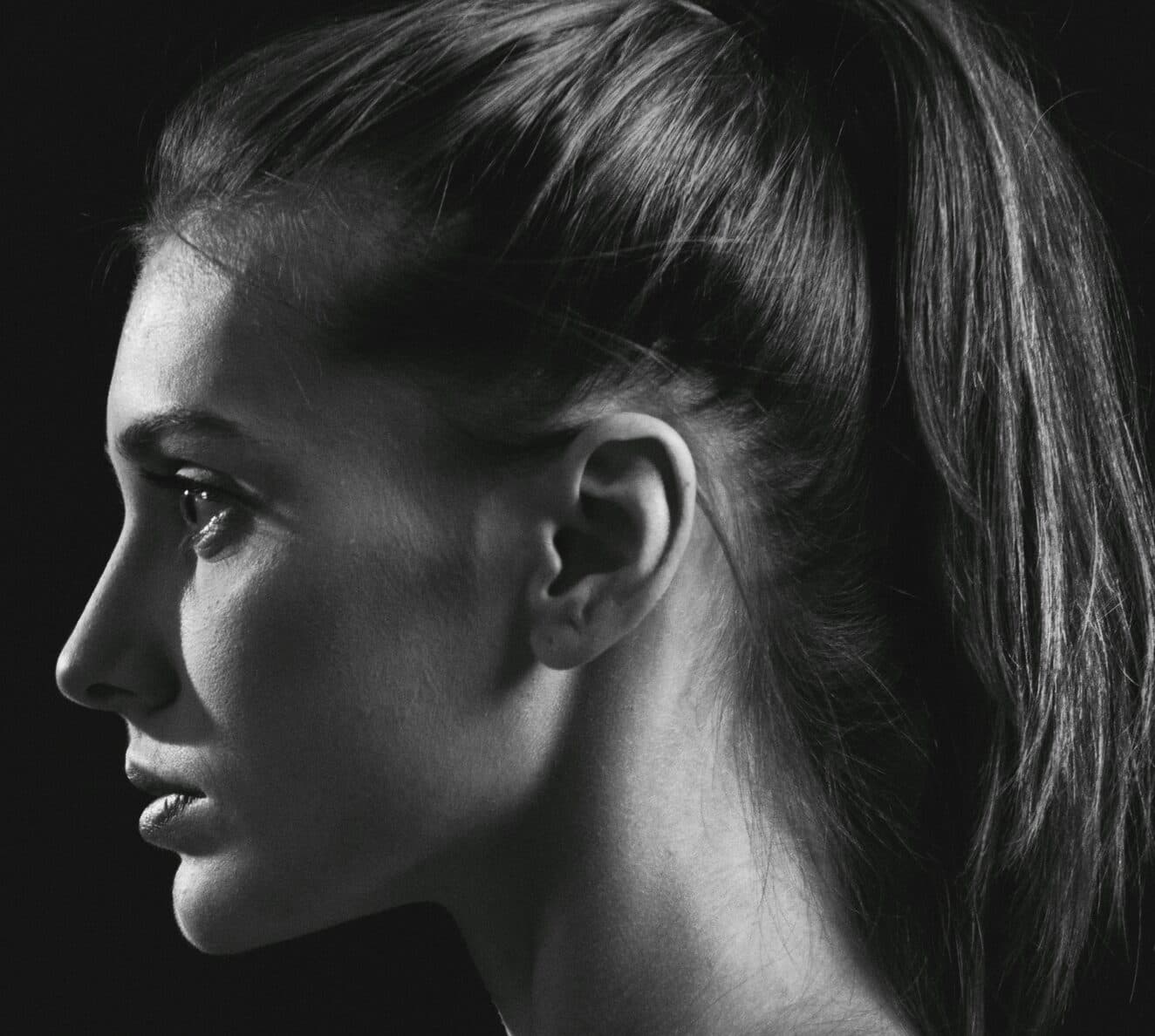
Drag the slider to compare
What is a piercing placement preview preview?
A piercing placement preview tool uses AI to show a client exactly where and how a piercing, or a full curated ear set, will sit on their own anatomy before the needle touches skin. The piercer photographs the ear, nose, or navel, and the tool generates a photorealistic image with the chosen jewelry — hoop, stud, or barbell — placed at the exact spot under consideration. Piercing studios use it during consultation to confirm placement and jewelry choice, especially on multi-piece curated sets, so approval happens on a picture instead of a guess.
Why it matters
The real margin in piercing isn't the puncture fee, it's the jewelry. A single lobe piercing runs $30–50 for the service, but the same client walking out with a curated five-piece ear in implant-grade titanium or 14k gold can spend $300–800+ in one visit. That upsell only happens if the client trusts the placement and spacing before you start — cartilage doesn't move once it's healed, and a client unsure how three pieces will sit together on their own ear defaults to one safe lobe piercing instead of the full set.
Who uses this
Piercers use it chairside during consultation, right before marking. Studio owners running a curation-forward model — multiple piercings and premium jewelry sold as a styled set, the way boutique ear-curation studios operate — use it to standardize how every piercer on staff sells a full ear instead of one hole. Front-desk consultants who walk clients through jewelry selection before they ever sit in the piercer's chair use it to close the sale on the retail floor.
Heard this from a piercing client?
A client comes in for a five-piece curated ear — lobe, flat, helix, tragus, conch — but can't picture how the pieces sit together until you've already got jewelry in the tray and a marker on their skin.
They want a septum or nostril piercing and are nervous it'll change their whole face, so they ask to "see it first" — a stock photo of a model's nose does nothing to answer that.
Cartilage piercings take 6 to 12 months to heal. Clients stall on committing to placement because getting the spot wrong means living with it, or re-piercing it, for most of a year.
How piercing placement preview previews work
Three steps. Under 10 seconds. No design skills needed.
Photograph the piercing site
A phone photo of the ear, nostril, septum, or navel — whatever's under consideration. Studio lighting is enough, no special camera needed.
AI places the jewelry
The model positions the chosen piece — hoop, stud, curved barbell — at the exact spot and angle, respecting the client's own cartilage folds, lobe size, and any existing piercings for a full curated set.
Client approves, then you mark
They see the placement and jewelry combination on their own body before you pick up the surgical pen. Confirm and pierce with no surprises and no re-marking.
Common questions about piercing placement preview
Straight answers. No jargon.
Let's build the version made for your business
Every preview on this site is a variation of the same engine, tuned to one industry. Tell us about yours, and we'll show you exactly what we'd build for it.
We reply within one business day