Show clients their restored photo before you touch their irreplaceable original
Scan the damaged print. Makeover generates a photorealistic restoration preview in seconds — torn corners rebuilt, water stains lifted, fading corrected — so the client signs off before a retoucher spends hours on the manual work.
Custom-built for your industry · No commitment
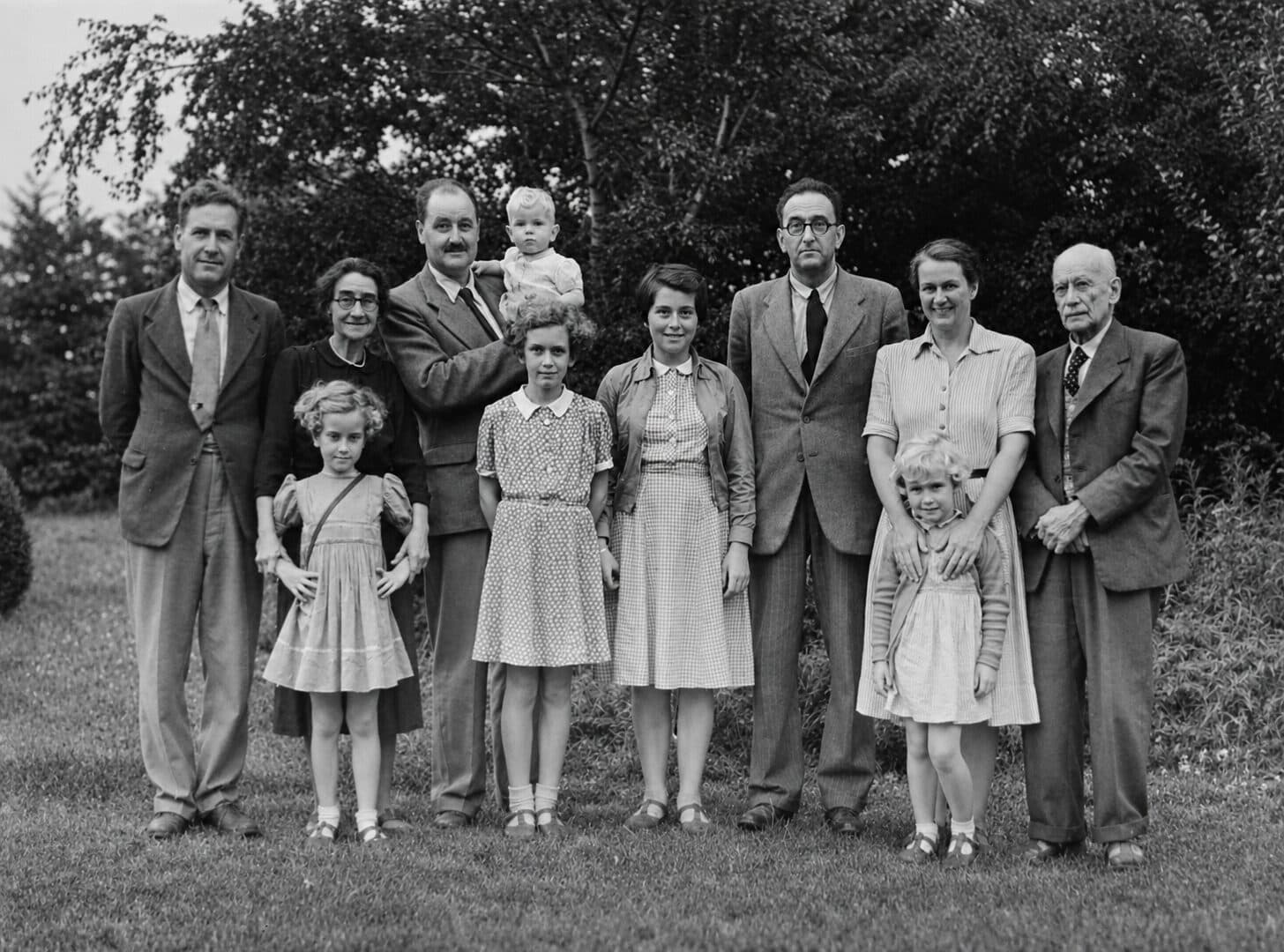
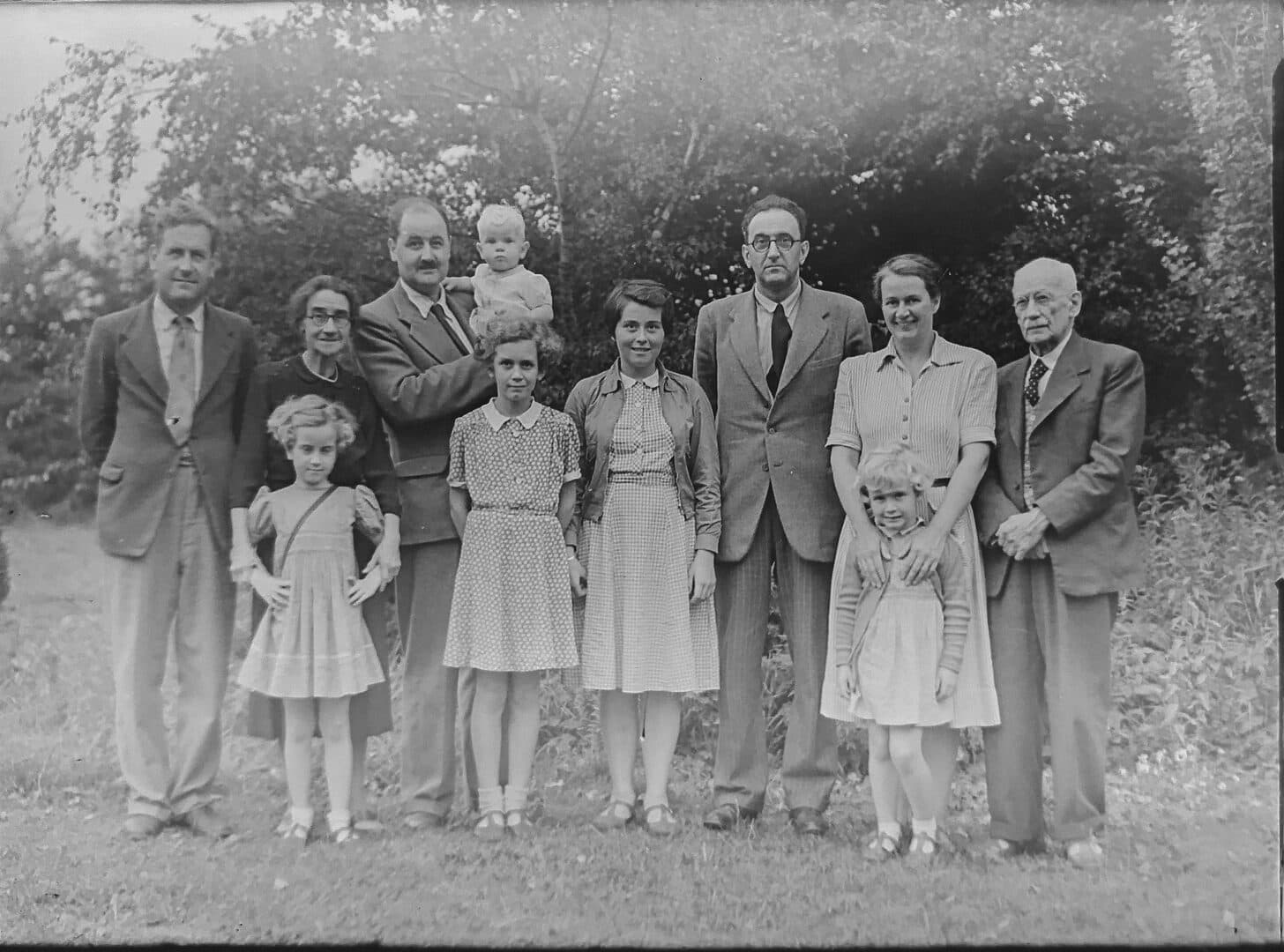
Drag the slider to compare
What is a old photo restoration preview?
An old photo restoration preview tool uses AI to generate a photorealistic mockup of what a damaged photograph will look like once professionally restored. The studio scans the original print — torn, faded, water-stained, or creased — and the tool produces a side-by-side preview showing the repaired image, with optional colorization. Restoration studios, photo labs, and funeral homes use this at intake to confirm the client is happy with the direction before a retoucher commits hours to manual restoration.
Why it matters
Manual photo restoration is skilled, slow work — a badly damaged print with a torn face or a missing corner can take a retoucher two to four hours, and studios typically charge $40 to $150 per photo depending on damage severity, with colorization added as a $20 to $40 line item. The friction isn't price, it's trust: the client is often mailing in the only surviving photo of a parent or grandparent with no way to know, before paying, whether you can actually rebuild the torn corner over her father's face or just soften the scratches around it. A preview generated at intake — before the original leaves the counter or goes into a mail queue — turns that leap of faith into an informed yes.
Who uses this
Photo restoration studios and independent retouchers use it at intake to set expectations and quote with confidence before starting manual work. Camera stores and photo labs that offer restoration as a counter service use it to close the sale on the spot instead of sending the customer home to think it over. Funeral homes and memorial print vendors use it to turn around a restored portrait for a service program on a tight deadline. Genealogy and family-archive digitization services use it when a client wants to see what an heirloom photo could look like restored before committing to the full project.
Heard this from a restoration customer?
They're mailing you the only surviving photo of their grandfather and won't commit until they know you can actually rebuild the torn corner over his face, not just soften the crease around it.
You show them a restoration sample from your portfolio. They say "that's not my mother's face — I don't know if you can do the same for mine."
They ask about colorizing a black-and-white portrait, then hesitate — worried a colorized version will look fake or "not like her anymore," and they'd rather skip color than pay for a result they don't recognize.
How old photo restoration previews work
Three steps. Under 10 seconds. No design skills needed.
Scan the damaged original
A flatbed scan or high-res phone photo of the print — tears, water stains, fading, creases, foxing, all included. No pre-cleanup needed before you generate the preview.
AI generates the restoration preview
The model repairs the visible damage — reconstructing torn or missing sections, correcting fading and staining, colorizing if requested — while preserving the sitter's likeness and the photo's period character.
Present it at intake, before the original moves
The client sees their own photo, restored, before you've started manual retouching or mailed the print off-site. They approve the direction and the price, and the job goes into your workflow confirmed.
Common questions about old photo restoration
Straight answers. No jargon.
Let's build the version made for your business
Every preview on this site is a variation of the same engine, tuned to one industry. Tell us about yours, and we'll show you exactly what we'd build for it.
We reply within one business day