Show clients their microbladed brows before the first hair stroke
Map the brow with your calipers as usual, then photograph it. Makeover generates a photorealistic preview of the healed hair-stroke result in under 10 seconds — the client's own face, in the shape and pigment tone you mapped, not a stock brow chart.
Custom-built for your industry · No commitment
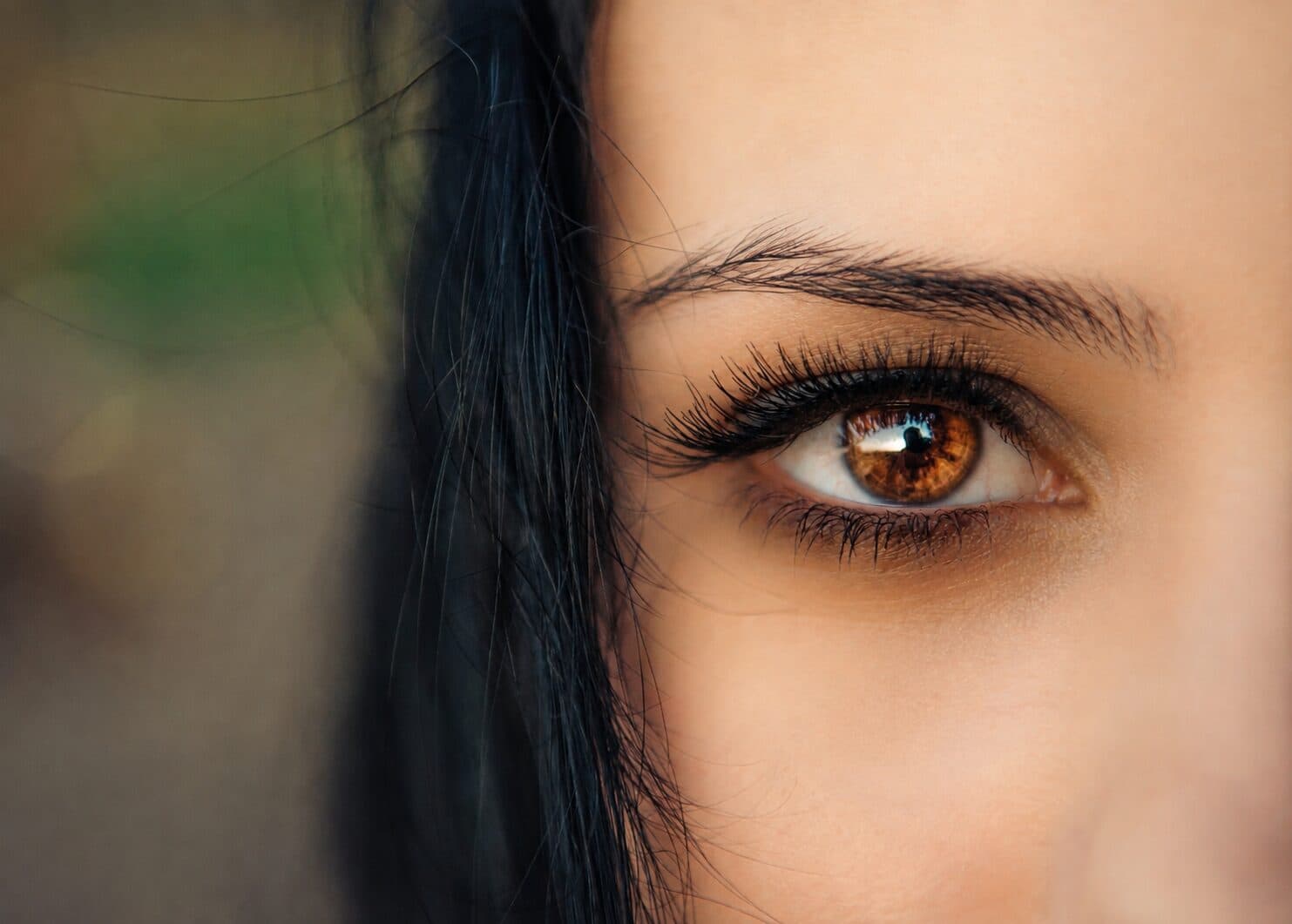
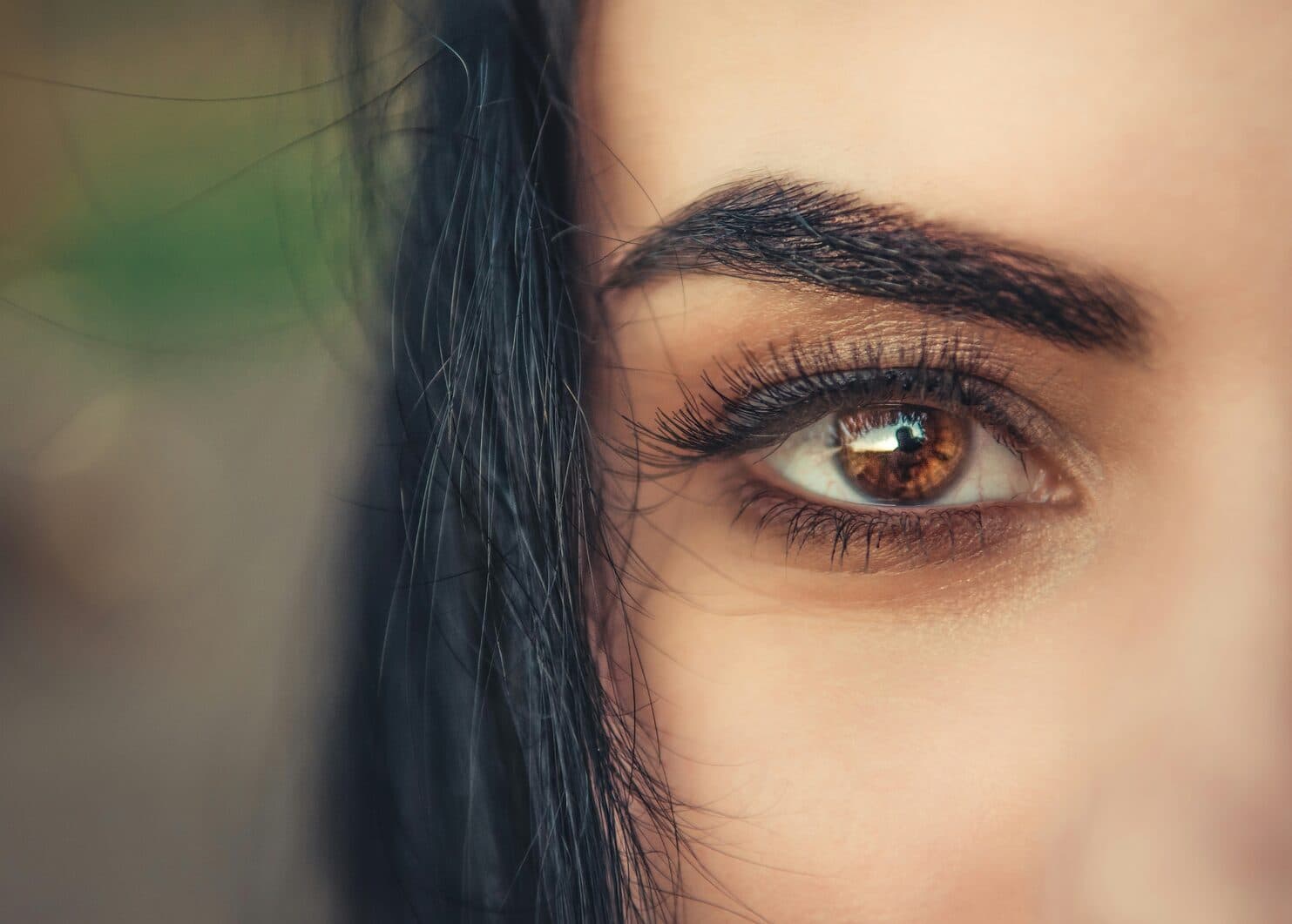
Drag the slider to compare
What is a microblading preview preview?
A microblading preview tool uses AI to show a client what their eyebrows will look like once the mapped hair-stroke pigment has fully healed — before the first blade stroke is made. The artist maps the brow shape with calipers or thread, photographs the client's face, and the tool generates a photorealistic image of the healed result in the chosen pigment tone on the client's own brow bone and skin tone. Permanent makeup studios and brow specialists use this during the mapping consultation to get shape and color sign-off before any pigment goes under the skin.
Why it matters
Microblading is semi-permanent — a session runs roughly $400–$900 and the result sits on the client's face for 12–36 months before it fades enough to redo. That timeline is the entire source of hesitation: clients aren't afraid of the blade, they're afraid of an arch that's too high, a tail that's too long, or pigment that heals red or grey. Pencil-and-caliper mapping is abstract to someone who has never seen hair-stroke brows on their own face — a preview turns the measurements into a picture she can actually approve before it's irreversible for a year or more.
Who uses this
Permanent makeup artists and microblading technicians running the mapping consultation before every procedure. Brow studios and med spas that added PMU services to an existing menu and need a consistent sign-off process across multiple artists. Licensed estheticians who completed PMU certification and want a repeatable way to show a client a shape before committing pigment to skin.
Heard this from a client?
She's afraid the strokes will heal too thick, too dark, or shaped like "surprised eyebrows" and cancels the morning of her appointment.
She brings in an Instagram screenshot of a brow shape that doesn't suit her face shape, and pushes back when you explain it won't work on her.
She Googles "microblading regret" the night before, sees botched healed photos, and no-shows rather than risk a shape she can't undo for a year.
How microblading preview previews work
Three steps. Under 10 seconds. No design skills needed.
Map the brow, then photograph it
Measure and mark the shape with calipers or thread the way you already do — golden ratio proportions, arch height, tail length — then take one photo of the client's face with the pencil mapping visible.
AI generates the healed result
The model reads the mapped shape and the client's skin undertone, then generates a photorealistic preview of hair-stroke brows in the chosen pigment tone as they'll look once fully healed — not the bolder, darker look of the first week.
Present before the first stroke
Her own face, mapped shape and all. Sign-off happens before pigment goes under the skin, not after.
Common questions about microblading preview
Straight answers. No jargon.
Let's build the version made for your business
Every preview on this site is a variation of the same engine, tuned to one industry. Tell us about yours, and we'll show you exactly what we'd build for it.
We reply within one business day