Show homeowners their refaced kitchen before you leave the estimate visit
Photograph their existing cabinets. Makeover generates a photorealistic reface preview in seconds — their own boxes, doors, and hardware in the new finish, not a showroom sample or a stock kitchen photo.
Custom-built for your industry · No commitment
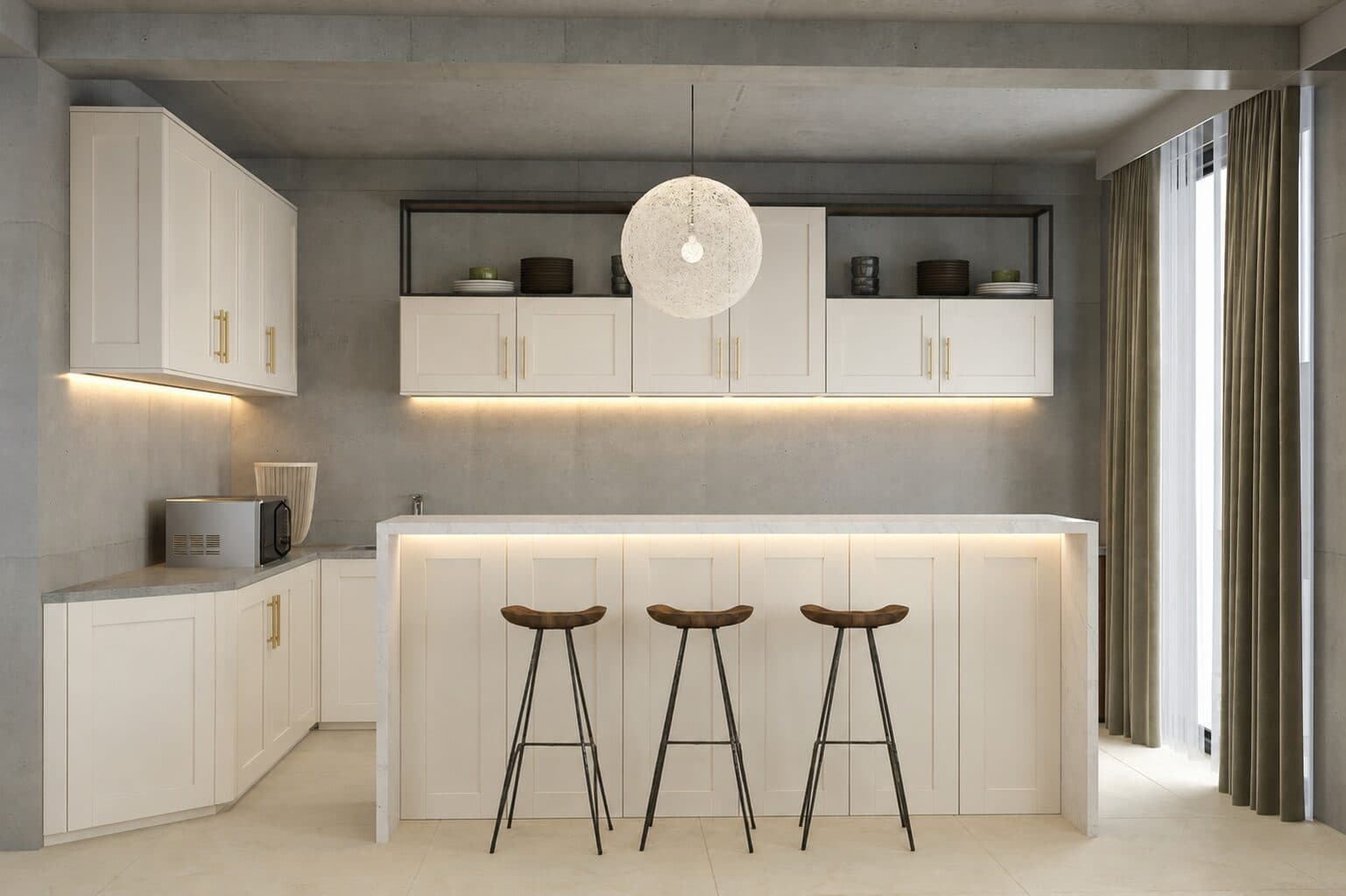
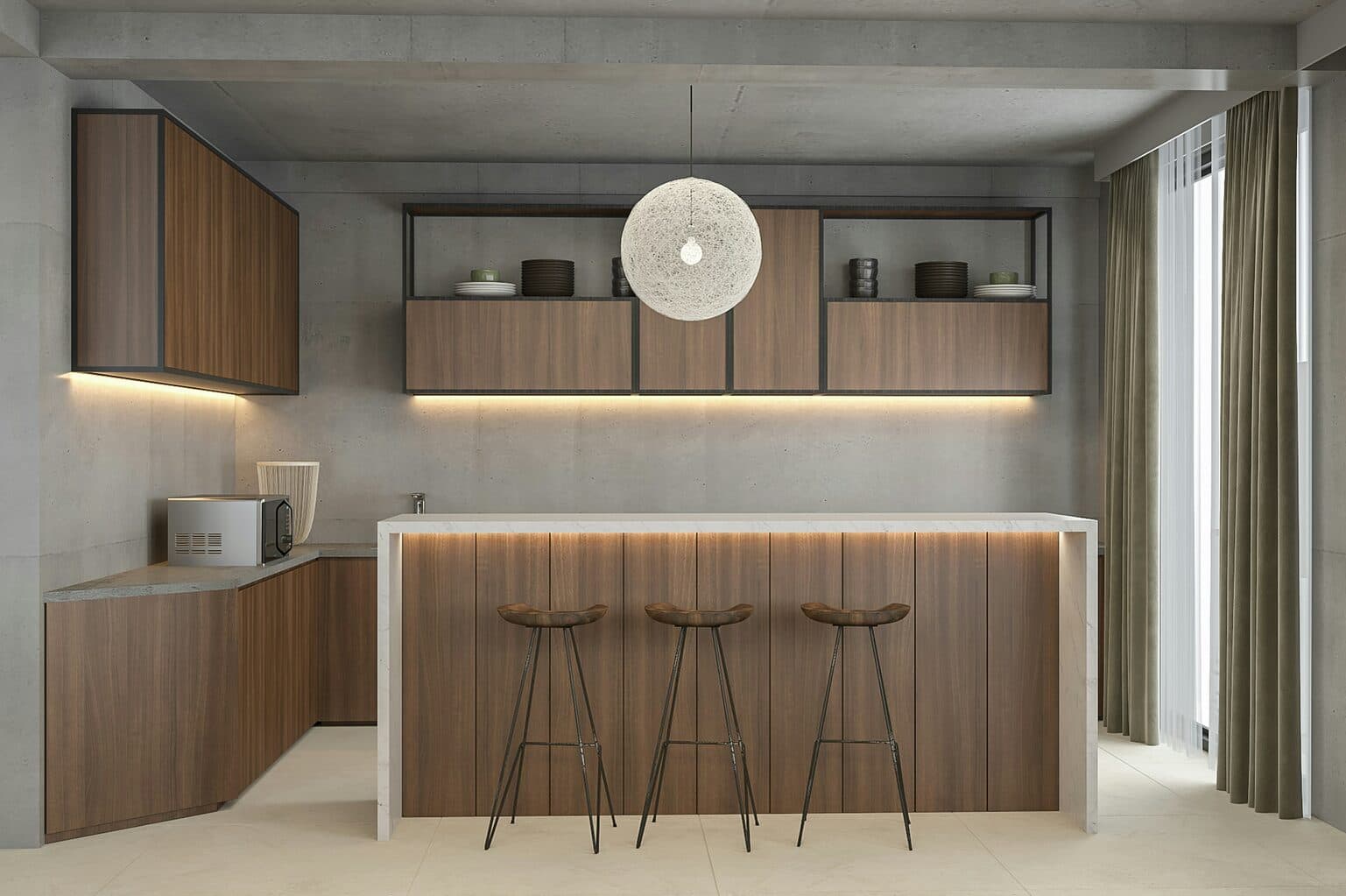
Drag the slider to compare
What is a kitchen cabinet reface preview?
A kitchen cabinet reface preview tool uses AI to generate a photorealistic image of what a kitchen will look like after refacing — new door and drawer fronts plus matching veneer applied to the existing cabinet boxes — without removing or replacing those boxes. The contractor or sales rep photographs the homeowner's actual kitchen during the in-home estimate, and the tool renders the chosen door style, finish, and hardware onto that specific layout and lighting. Cabinet refacing companies and kitchen remodelers use this at the kitchen table to move a measuring appointment straight to a signed contract.
Why it matters
A full kitchen remodel runs $25,000 to $50,000-plus and takes four to eight weeks of gutted plumbing and displaced appliances. Refacing delivers a comparable visual transformation for roughly $6,000 to $20,000 in two to five days, because the boxes stay in place and only the doors, drawer fronts, and exposed surfaces change. That pitch is easy to say and hard to prove without a visual — homeowners default to assuming cheaper means it will look cheaper, and they're frequently collecting a full-replacement bid from a competing contractor the same week. A preview of their own kitchen, refaced, closes that gap before the second bid shows up.
Who uses this
In-home sales consultants and estimators at cabinet refacing companies run it during the initial walkthrough, before writing the proposal. Kitchen remodeling contractors who offer refacing as a lower-cost alternative to a full gut use it to help homeowners decide between the two paths. Franchise cabinet refacing reps and independent cabinet shops doing design-and-install work use it the same way — as the visual that turns a measuring appointment into a signature.
Heard this from a homeowner?
Homeowners ask whether the seam between the new door fronts and the refaced box will show, and you're stuck describing veneer application with your hands instead of a photo.
They're also holding a full-replacement quote from another contractor and can't picture why a reface at half the price would look just as finished in their own kitchen.
They stall for weeks on a door style and finish — shaker versus slab, painted white versus natural oak — because sample chips and a swatch board don't translate to their actual cabinets.
How kitchen cabinet reface previews work
Three steps. Under 10 seconds. No design skills needed.
Photograph the existing cabinets
During the in-home estimate walkthrough. Any lighting, any angle — the boxes, doors, and hardware as they sit today.
AI generates the reface preview
The model applies the chosen door style, veneer finish, and hardware to the customer's actual box layout, preserving cabinet configuration, appliance openings, and countertops.
Present it before you leave
Their own kitchen, refaced, on your tablet at their table. The proposal gets signed at the same visit, before a competing bid arrives.
Common questions about kitchen cabinet reface
Straight answers. No jargon.
Let's build the version made for your business
Every preview on this site is a variation of the same engine, tuned to one industry. Tell us about yours, and we'll show you exactly what we'd build for it.
We reply within one business day