Show patients their restored hairline before they book surgery
Capture a scalp photo. Makeover generates a photorealistic density and hairline preview in seconds — their own hair, their own loss pattern, not a stock "after" photo from a decade-old brochure.
Custom-built for your industry · No commitment
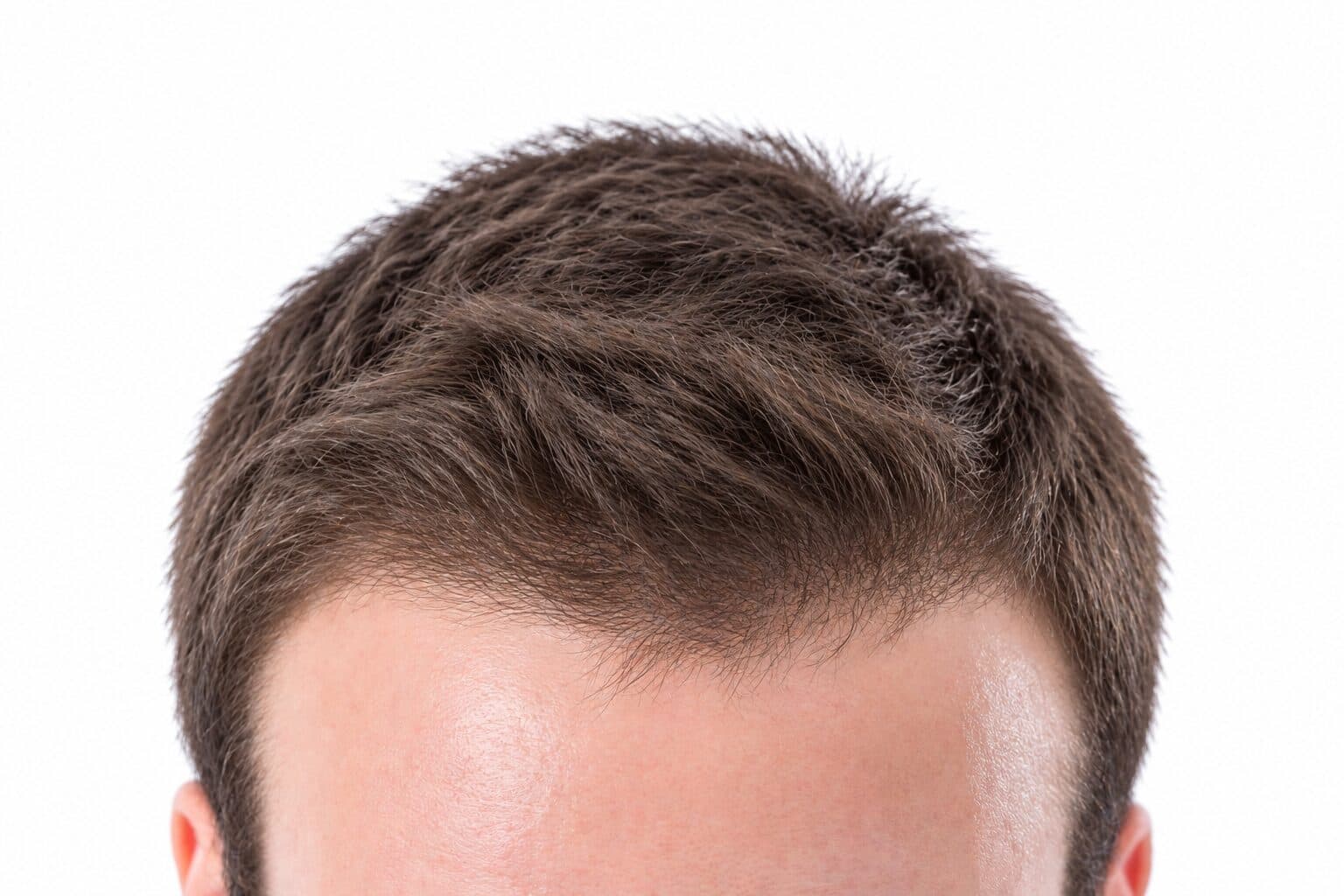
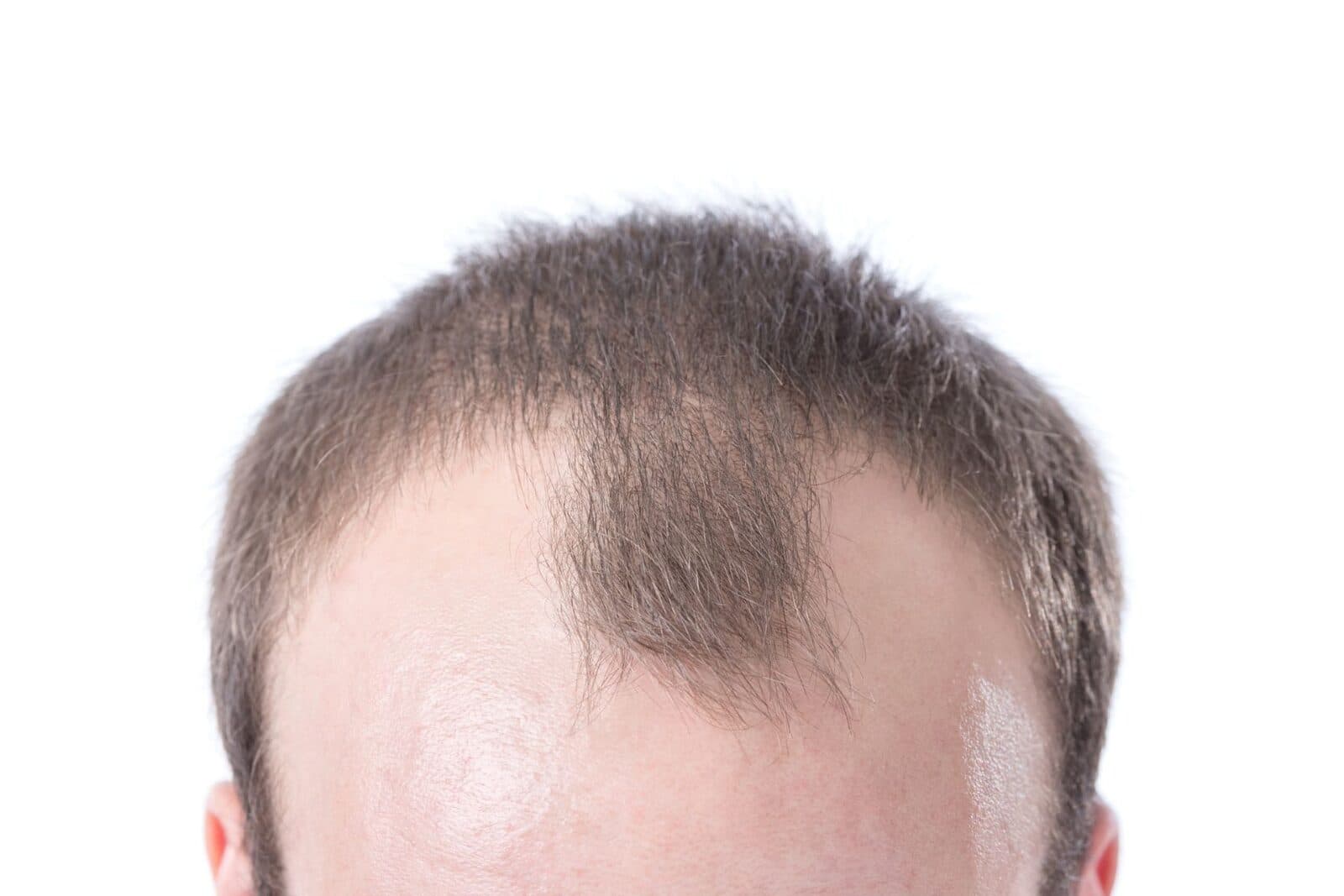
Drag the slider to compare
What is a hair restoration preview?
A hair restoration preview tool uses AI to generate a photorealistic image of what a patient's scalp will look like after hair transplant surgery or a non-surgical treatment plan. The clinic captures baseline photos of the patient's hairline, crown, and donor area, and the tool produces a projected result reflecting the planned graft count, hairline design, and density — rendered on the patient's own hair color, caliber, and scalp tone. Hair restoration clinics use this during consultations to move patients from "still deciding" to a scheduled surgery date.
Why it matters
A full FUE session typically runs $4,000 to $15,000+ depending on graft count, and most patients research for months — sometimes years — before their first consultation. That delay isn't indecision about wanting more hair; it's that the "hair plug" era of transplants left a real trust deficit, and patients can't tell a natural-looking outcome from a doll's-hair one until they see it on an actual head. A preview built from the patient's own scalp, hairline shape, and hair caliber closes that gap in a single consultation instead of a third opinion six months later.
Who uses this
Hair transplant surgeons and dermatologists use it to walk a patient through hairline design options in the same visit as the surgical consult. Patient care coordinators — the staff who actually run most consultations and carry the booking quota — use it as their primary closing tool before handing off to the surgeon for final sign-off. Trichologists and hair loss clinics offering PRP, low-level laser therapy, or scalp micropigmentation (SMP) use it to show non-surgical patients a realistic ceiling on what those treatments can achieve, which also helps route surgical candidates to the right service instead of a treatment that won't meet their expectations.
Heard this from a patient?
"Will my hairline look natural, or like the pluggy, doll-hair look my uncle got in the '90s?" — and every clinical before-and-after you show is someone else's hair texture, someone else's Norwood stage.
They can't picture what 3,000 grafts actually looks like as density on their own scalp, so they say they need to "think about it" and disappear into hair-loss forums for another six months.
They book three consultations at three clinics, compare stock before-and-after galleries that don't resemble their hair color or loss pattern, and pick whichever surgeon happened to have a photo that looked closest to them.
How hair restoration previews work
Three steps. Under 10 seconds. No design skills needed.
Capture the hairline and donor area
Frontal, temporal, and overhead photos of the thinning zone and donor strip — the same angles you'd already take for a surgical consult, no extra imaging equipment needed.
AI generates the density and hairline preview
The model factors in planned graft count, hair caliber, curl pattern, and scalp-to-hair color contrast to render a realistic post-growth result, not an exaggerated "full head" fantasy.
Present it during the consultation
Their own scalp, their own hairline design, side by side. The conversation moves from "will this look fake" to scheduling a surgery date before they leave the room.
Common questions about hair restoration
Straight answers. No jargon.
Let's build the version made for your business
Every preview on this site is a variation of the same engine, tuned to one industry. Tell us about yours, and we'll show you exactly what we'd build for it.
We reply within one business day