Show couples exactly how their reception will glow, before they sign the lighting package
Photograph the ballroom, tent, or barn once. In minutes, generate the uplighting color, monogram gobo, and draping the couple actually approves, not a portfolio photo from someone else's wedding.
Custom-built for your industry · No commitment
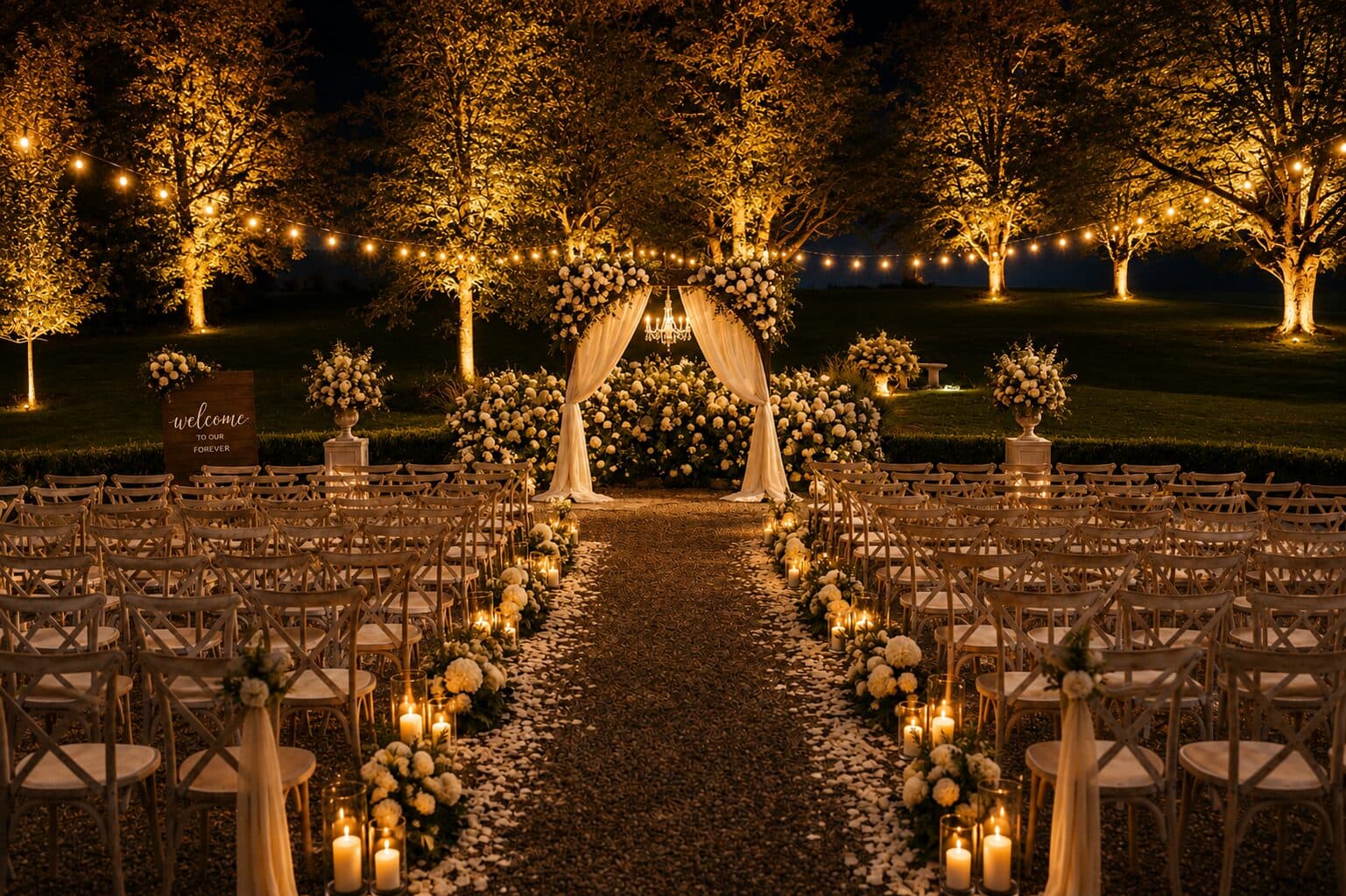
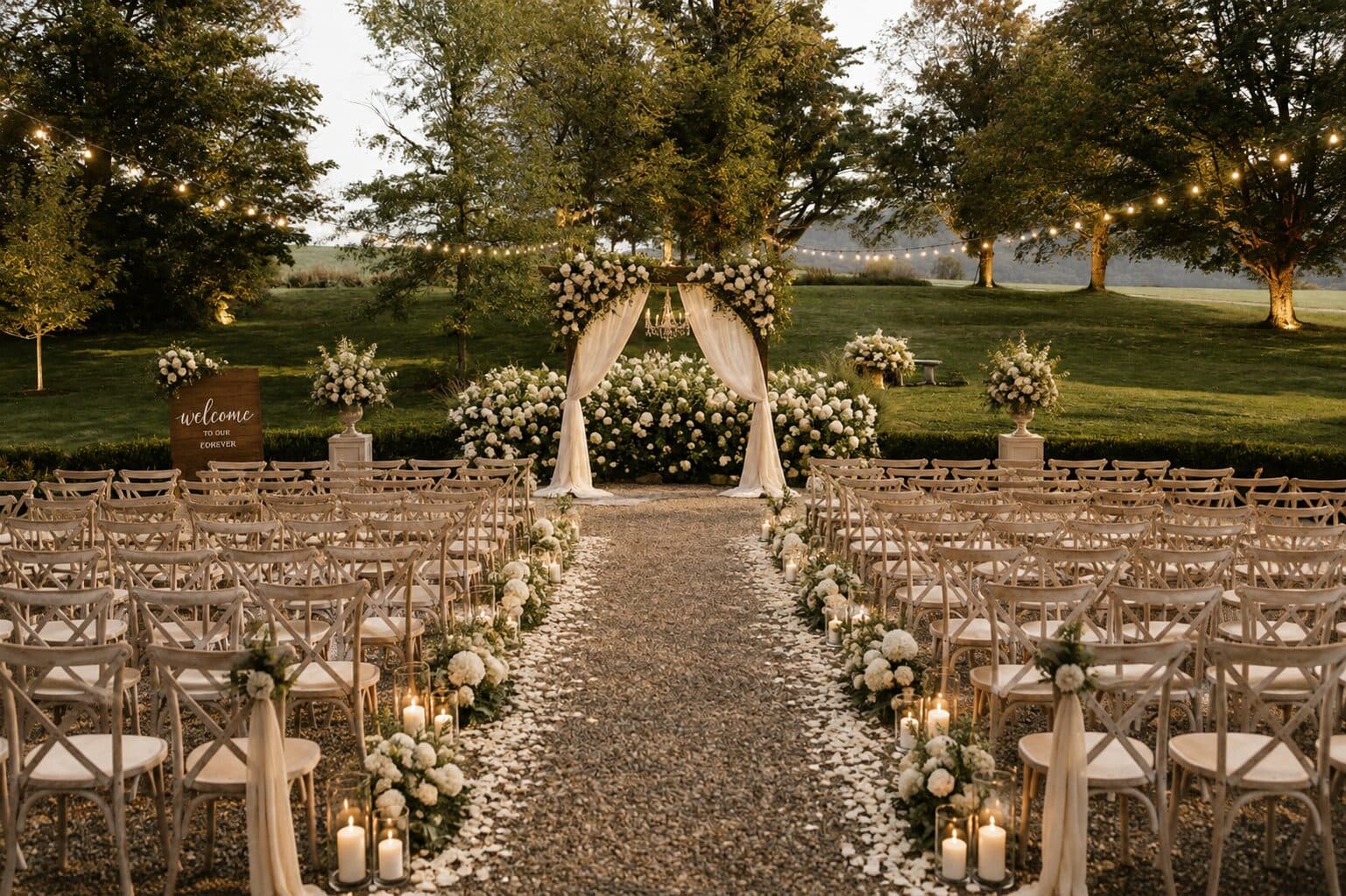
Drag the slider to compare
What is a event lighting preview preview?
An event lighting preview tool lets wedding and event lighting professionals photograph a venue and generate a photorealistic image showing the proposed uplighting color, draping, string lights, or custom monogram gobo in that exact room, before the client approves the package. Couples and planners see precisely how amber uplighting reads against their reception's actual walls or how a monogram will project onto their dance floor, instead of judging color from a swatch card or someone else's wedding photos.
Why it matters
Uplighting packages typically run $300–$1,500 for 10–20 LED fixtures, monogram gobo projection adds $150–$400, and draping or a full lighting design for a wedding reception can run $1,000–$5,000. That's real money for something a couple is asked to buy sight unseen, months before the room is ever set up the way it'll look on the night. Lighting is usually decided late in the planning process, often as an add-on during a walkthrough or a phone call, which means the sales conversation is happening entirely on trust — the couple is picturing "amber uplighting" against walls they've never seen lit, and any mismatch between what they imagined and what shows up on the invoice becomes a change order or a lost deposit. A preview generated from their actual venue turns that trust-based guess into an approved, specific design before the contract is signed.
Who uses this
Lighting designers and technicians at event production companies, DJ-and-lighting businesses that upsell uplighting packages, wedding and event planners scoping vendor proposals, and in-house venue coordinators who sell lighting add-ons alongside the room rental. The person taking the photo is usually whoever runs the site walkthrough or sales call; the preview gets used in that same meeting, not handed off to a separate design team.
Heard this from a couple or an event planner?
A couple can't decide between amber and navy uplighting from a color swatch, and the decision drags on for weeks over email while your production schedule sits unconfirmed.
They're being asked to pay $150–$400 for a custom monogram or gobo design and won't approve the art file until they know exactly how it will look projected on their dance floor.
Lighting gets cut from the budget as the invisible upsell nobody can picture, so you end up doing a free in-person mockup with temporary fixtures just to close a sale that might not happen.
How event lighting preview previews work
Three steps. Under 10 seconds. No design skills needed.
Photograph the room
During the site walkthrough, photograph the reception space as it actually is: bare tables, house lights on, no rigging up yet. Existing venue gallery photos work too.
Generate the lighting design
Apply the proposed package to that photo: uplighting color against the actual walls, string lights or draping over the actual ceiling height, the monogram gobo on the actual dance floor.
Present and get sign-off
Bring the preview to the proposal meeting or send it before the deposit call. The couple approves a specific color and layout, not a mood board, so change orders drop and the invoice matches what they agreed to.
Common questions about event lighting preview
Straight answers. No jargon.
Let's build the version made for your business
Every preview on this site is a variation of the same engine, tuned to one industry. Tell us about yours, and we'll show you exactly what we'd build for it.
We reply within one business day