Show the owner the shave-down before you pick up a clipper
Photograph the coat at check-in. Makeover generates a photorealistic preview of the deshed result or the mat-necessitated shave, on their own pet, so the owner approves the length before the appointment starts — not after.
Custom-built for your industry · No commitment
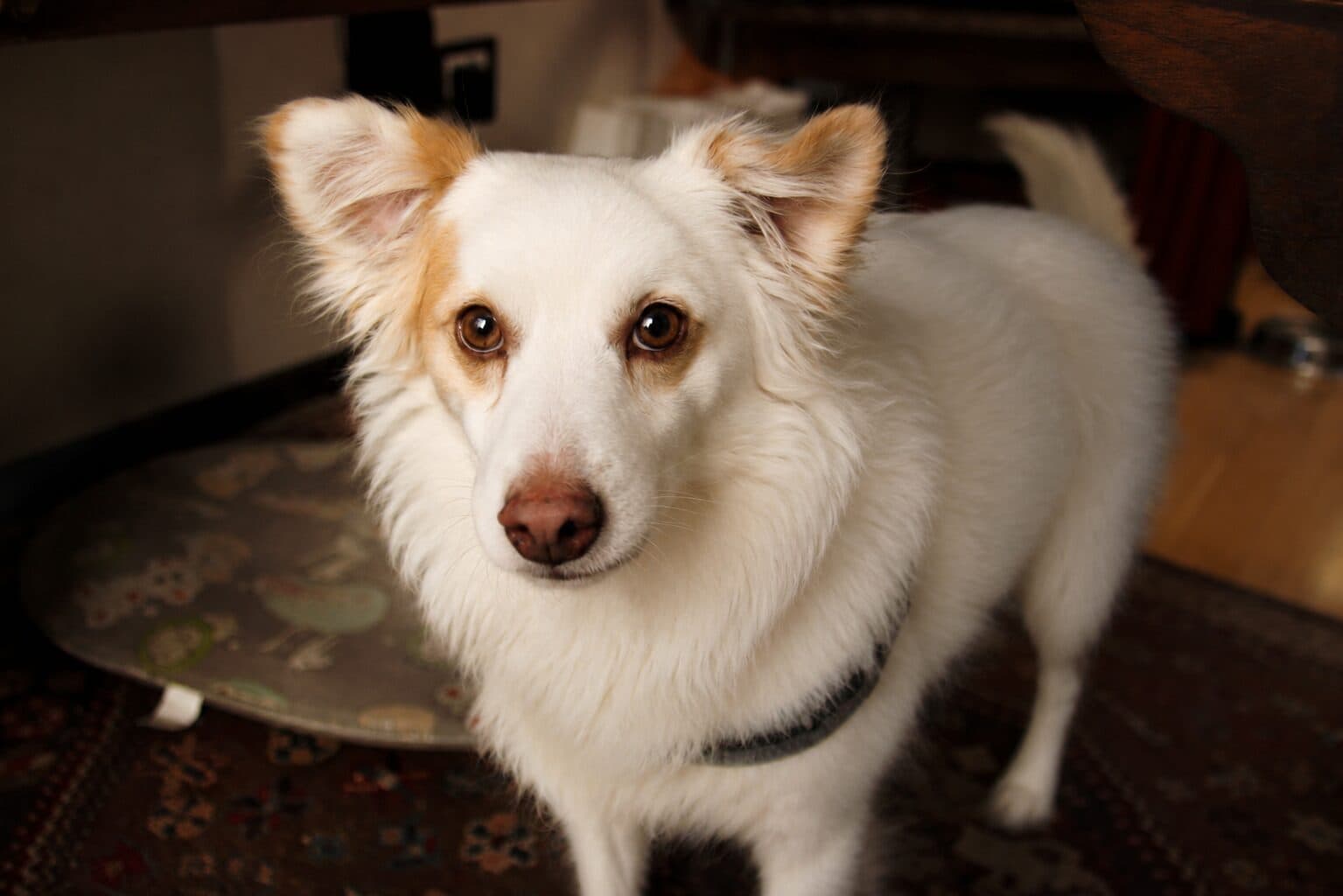
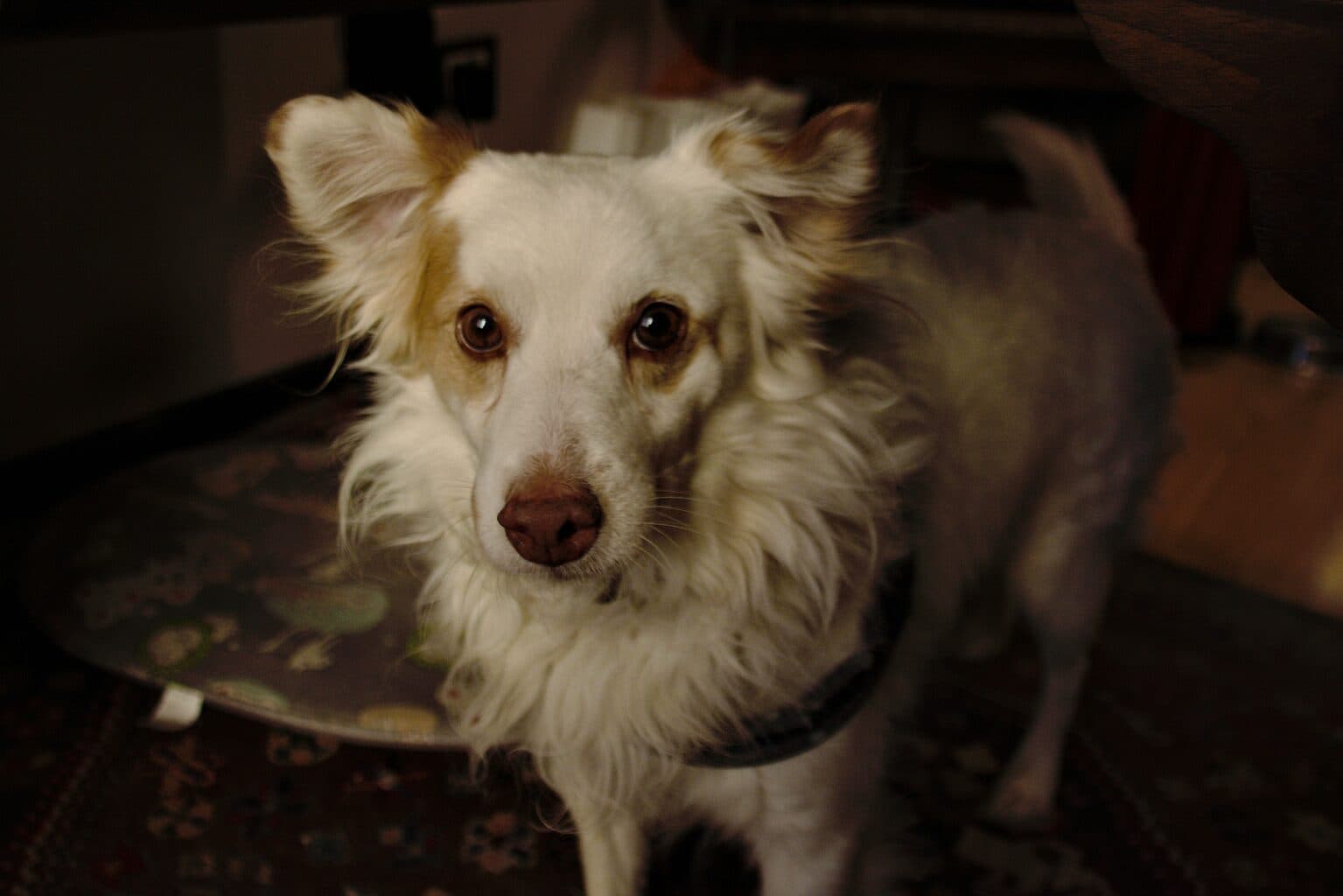
Drag the slider to compare
What is a deshedding/dematting preview preview?
A deshedding/dematting preview tool uses AI to generate a photorealistic image of a pet's coat after an undercoat blow-out or a mat-necessitated shave, built from a photo taken at check-in. Groomers use it at the intake counter to show an owner — before a single clipper guard touches fur — whether their pet keeps its length after a deshedding treatment or needs a full shave-down to remove pelted mats. That turns the "why is my dog naked" pickup argument into a conversation the owner already signed off on.
Why it matters
A deshedding treatment is a $15–45 add-on most groomers have to sell against "she doesn't shed that bad." Dematting is worse economics: salons bill it in 15-minute increments ($10–20 each) up to a cap, then the humane no-force-mat-removal standard most groomers follow — the one the National Dog Groomers Association of America pushes — kicks in and the coat gets shaved to the skin instead of brushed out. Neither conversation goes well over the phone or at drop-off, because the owner is picturing a trim and the groomer is picturing a #10 blade. The dispute that actually costs a salon money isn't the upsell — it's the pickup, when an owner who thought "a little matted" sees a bald dog and disputes the invoice or posts a one-star review calling it traumatic.
Who uses this
Groomers and bathers doing the coat assessment at the intake counter, where the "this is going to need a shave" conversation actually happens. Salon owners and lead stylists who are tired of eating chargebacks on mat-shave disputes and want every staff member running the same visual conversation, not a verbal guess. Mobile groomers doing a driveway coat check before they commit a van slot to a job that might run long. Front-desk staff booking deshedding add-ons for double-coated breeds who need a visual, not a percentage, to say yes.
Heard this from a pet owner?
"She's not matted, she just needs a brush" — while you're running a comb through a pelt that's fused to the skin behind both ears and under the collar.
Pickup goes sideways: the owner sees a shaved-down dog after mats they were told about on the phone, says they never agreed to "that short," and you're now refunding a service you performed correctly.
They decline the deshedding treatment ("she doesn't shed that bad") and text you a week later asking why there's still hair all over the couch and the back seat.
How deshedding/dematting preview previews work
Three steps. Under 10 seconds. No design skills needed.
Photograph the coat at check-in
One photo during the mat assessment — the same moment you're already running your hands through the coat to check for pelting near the skin.
AI generates the outcome preview
The model shows the coat after a deshedding blow-out, or after the shave length the mat severity actually requires, on the pet in front of you — not a stock breed photo.
Present it at the counter, before the first clip
The owner signs off on the length they'll see at pickup. No surprise, no chargeback, no argument over a haircut they didn't approve.
Common questions about deshedding/dematting preview
Straight answers. No jargon.
Let's build the version made for your business
Every preview on this site is a variation of the same engine, tuned to one industry. Tell us about yours, and we'll show you exactly what we'd build for it.
We reply within one business day