Show her the braid style before you open a single pack of hair
Photograph her natural hair at the consultation chair. Makeover generates a photorealistic preview of the braid size, length, part, and color on her own hairline and skin tone — so a three-to-eight-hour install matches what she actually asked for.
Custom-built for your industry · No commitment
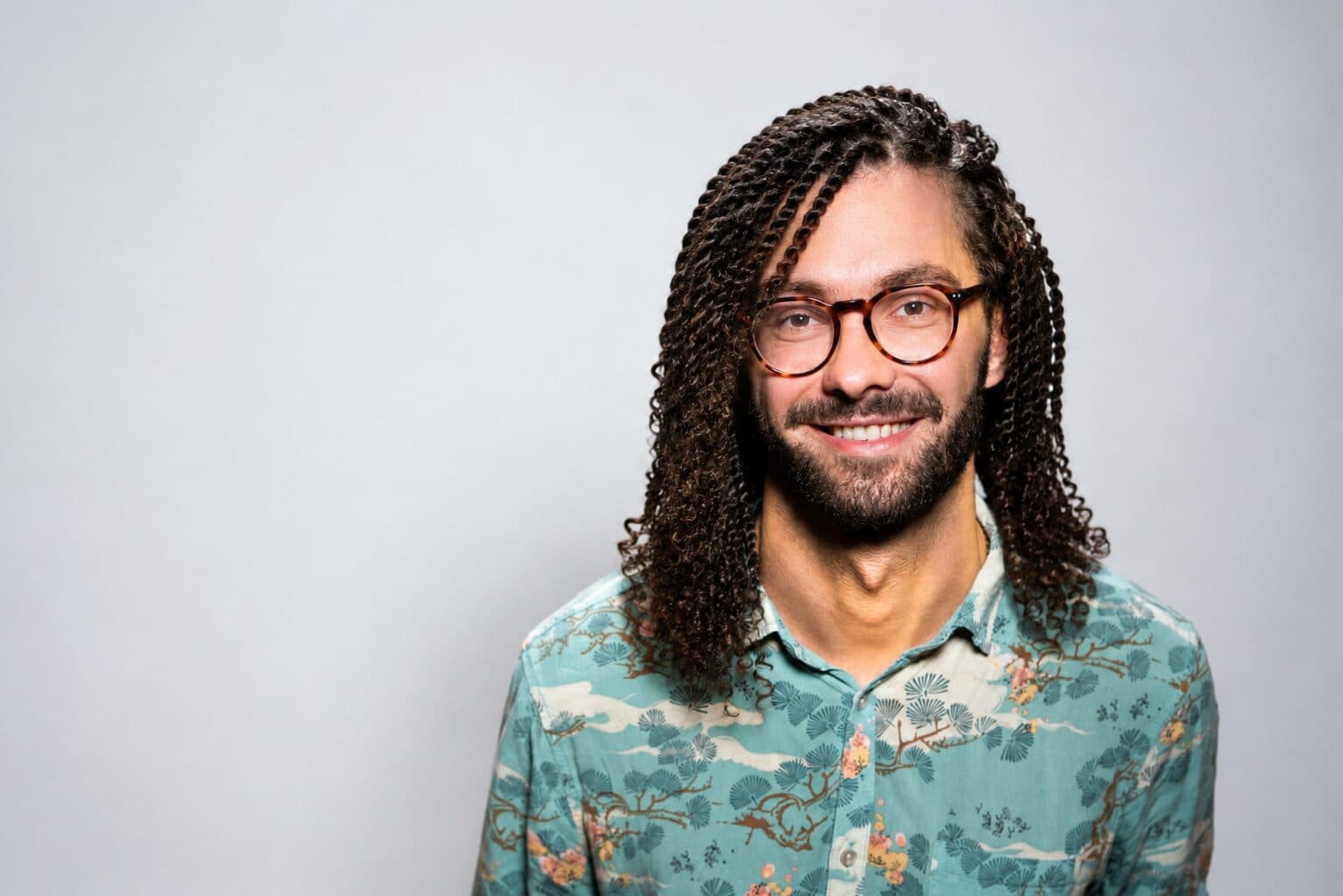

Drag the slider to compare
What is a braiding & protective styles preview?
A braiding and protective style preview tool uses AI to generate a photorealistic image of a client's hair in a new braided or protective style before the stylist installs it. The stylist photographs the client's natural hair, and the tool renders the requested braid size, length, part, and color — knotless, box braids, cornrows, twists, or faux locs — on her actual hairline, density, and skin tone. Braid shops and natural hair salons use this at the consultation chair to lock in style, size, and color with the client before opening a single pack of hair.
Why it matters
A knotless install runs three to eight hours depending on size and length, and once you've cut open a pack of hair and started feeding it in, there's no undoing hour two. Box braids, knotless, and micros run roughly $150 to $600 depending on size, length, and market; goddess and boho styles with curly human hair sit at the higher end because of the hair cost alone. Most of that price is your labor, not the hair — which is exactly why a client changing her mind mid-install is expensive for you, not just annoying. Bookings mostly happen over Instagram DM or StyleSeat with no way to confirm size, color, or length before a deposit is on the calendar, so the first time you actually see if she likes the direction is when she's already in the chair.
Who uses this
Independent braiders and locticians booking clients through Instagram and StyleSeat, booth renters inside natural hair salons, and braid shop owners running multiple chairs who want every stylist confirming the style the same way before touching hair. Front-desk staff at larger braid studios use it to send a preview during the DM consultation, before a deposit is even collected.
Heard this from a braid client?
She shows up with a saved photo of a model with waist-length knotless in honey blonde — her hair is shoulder-length 4c natural, and you have to guess whether that length and color will actually work on her before you commit six hours to finding out.
Two packs of hair are already braided in when she says the part or the color isn't what she pictured — and now unraveling it costs both of you the rest of the day, not just a redo fee.
She wants to try color — a 27 honey blonde or 613 tips — but she's not sure how it'll look against her skin tone or read at work, so she defaults to natural black every time and you lose the upsell on the hair itself.
How braiding & protective styles previews work
Three steps. Under 10 seconds. No design skills needed.
Photograph her natural hair
At the consultation chair, on wash day, or after a blowout, capture her actual texture, density, and hairline before any hair is added.
Generate the style preview
Set the braid type, size, length, part, and color. The AI renders it on her real hairline, edges, and skin tone — not a stock model with different hair.
Confirm before you cut open a pack
Show her the preview at the chair or send it ahead of the appointment, so size, length, and color are locked in before scalp prep and the first braid ever starts.
Common questions about braiding & protective styles
Straight answers. No jargon.
Let's build the version made for your business
Every preview on this site is a variation of the same engine, tuned to one industry. Tell us about yours, and we'll show you exactly what we'd build for it.
We reply within one business day