Tattoo studio software splits into two categories: booking platforms that run the business side, and visual consultation tools that show clients what the tattoo will actually look like before it's permanent. Makeover is the second kind. It places the client's chosen design on their actual body photo and renders a photorealistic preview in under 10 seconds — turning a verbal guess into a visual answer.
What is tattoo studio software? It's any digital tool a studio uses to run consultations, manage bookings, process payments, or handle client communication. Inkbook, Vagaro, and similar platforms cover the operational side. A newer category — AI visual preview tools — covers the part those platforms skip: showing the client what the finished piece will look like on their own skin before the artist ever picks up a machine.
This guide draws on Makeover's work building AI visualization tools for service businesses where clients have to commit to an irreversible outcome before they can see it.
What Are the Two Types of Tattoo Studio Software?
"Tattoo studio software" gets used as a catch-all, but it covers two genuinely different jobs.
Business management software Inkbook, Vagaro, and comparable platforms handle scheduling, client databases, digital consent forms, deposit collection, reminders, and reporting. They keep a studio's calendar and cash flow organized. None of them render a design preview — that's not the problem they were built to solve.
Visual consultation software This is the part of the stack that's usually missing: a tool that shows the client their tattoo on their own arm, back, or wrist before the session, not a stencil sketch or a generic placement mockup. Most studios still handle this step by describing the outcome out loud, which is exactly where consultations stall.
Makeover fills that gap. Upload a body photo and a design, and it generates a photorealistic placement preview in under 10 seconds, giving the consultation a visual conclusion instead of a verbal one.
Why Do Visual Previews Matter in Tattoo Consultations?
Tattooing is permanent, so clients ask the questions permanence deserves.
How big will this actually look on my forearm? Will the fine linework still hold up at that scale once it heals? Should the placement sit higher, or wrap the wrist? How will the shading read against my skin tone?
None of those are answerable with a description. They're answerable with an image.
The tattoo industry isn't shrinking while studios figure this out — global demand keeps climbing as the practice goes more mainstream across age groups, per Grand View Research. More studios competing for the same client pool means the consultation experience becomes a differentiator in its own right, separate from the artist's portfolio.
A studio that can show a client their actual design, on their actual skin, in the first conversation gives them something a portfolio scroll or a verbal walkthrough can't: a decision they can commit to with confidence.
How Does AI Tattoo Preview Software Work?
Makeover works from the client's real body photo, not a stock arm or a generic mockup. The process:
- The client photographs the placement area — forearm, back, wherever the piece is going. Even a phone photo in decent light is enough.
- The artist uploads the design alongside that photo: flash art, a custom file, or a reference image.
- Makeover maps the design onto the skin, preserving tone, texture, and the natural curve of the muscle or joint underneath it.
- A photorealistic before-and-after renders in under 10 seconds.
The client sees their own arm, their own wrist, their own back, with the design sitting on it the way it actually would. Not an illustration standing in for their body. This is what closes the back-and-forth over placement and scale before the artist draws a single line.
The Makeover Tattoo Consultation Framework
Here's the sequence studios use to fold a visual preview into a consultation that already works, without adding a new administrative step.
| Step | What to do | Tool | Outcome |
|---|---|---|---|
| 1. Gather the brief | Review the client's reference images and design intent | Consultation | A clear brief before any preview gets generated |
| 2. Photograph the placement | Have the client photograph the body area on the spot | Phone camera | An accurate body photo for the AI to work from |
| 3. Generate the preview | Upload the design and body photo, apply placement | Makeover | Client sees their body with their design in under 10 seconds |
| 4. Adjust on the spot | Rescale, reposition, or try a design variant | Makeover | Artist and client land on the same brief visually |
| 5. Lock the deposit | Use the approved preview as the reference on file | Studio booking system | Deposit secured against a confirmed, agreed-on design |
Based on Makeover's consultation framework, adapted for tattoo studio workflows.
Step 5 matters more than it looks. A client who has approved an image of their own skin with the design already on it has made a visual commitment, not just a verbal one. Tying the deposit to that approved preview cuts down on the client who wants to "think about it differently" between the consultation and the session.
What Placements and Designs Can You Preview?
Body placements Any area the client can photograph clearly: forearm, upper arm, shoulder, wrist, hand, back, chest, ribs, thigh, calf, ankle, neck. If it can be photographed, it can be previewed.
Design types Custom pieces, flash sheets, reference images, fine linework, blackwork, dotwork, realism, traditional, neo-traditional, watercolor — the AI places whatever file the artist uploads.
Size and scale This is where most consultations lose time. A client who can't picture how a 3-inch design differs from a 6-inch one at the same placement will keep circling the question. Generate the same design at two or three scales and let them compare the images side by side instead of imagining the difference.
Multiple placements Deciding between forearm and shoulder? Generate both. The client is choosing between two photos of their own body, not two mental pictures they're holding at once.
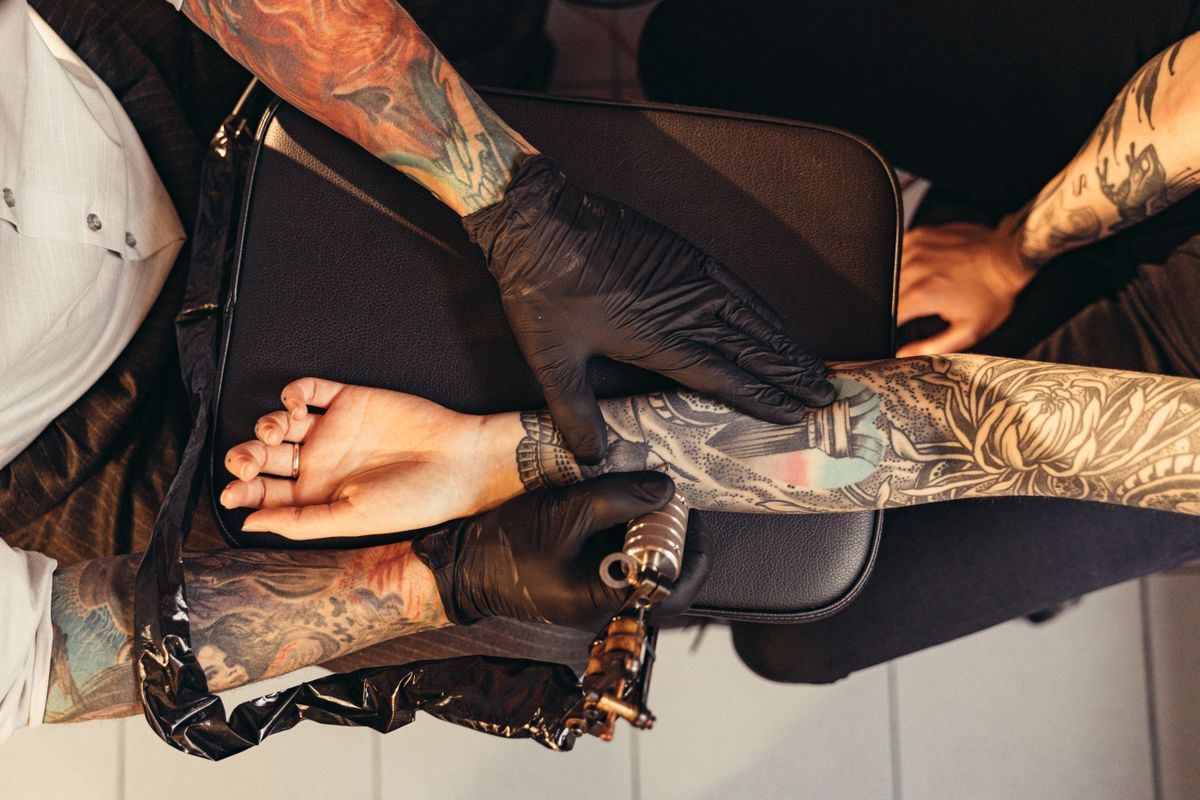
How Does Makeover Fit Into Your Studio Software Stack?
Makeover isn't a booking platform, a consent form system, or a payment processor, and it doesn't replace any of those. It sits in the gap between the initial inquiry and the deposit.
Here's how it fits:
Step 1 — Booking software (Inkbook, Vagaro, or whatever you already run) Handles the initial request, scheduling, and deposit setup.
Step 2 — Makeover During the consultation, generates the photorealistic preview. The approved image becomes the agreed brief — the thing both artist and client point back to.
Step 3 — Consent forms and payment The deposit is collected against that confirmed brief. The consent form references the approved placement, not a verbal description of it.
Adding this step costs the consultation about 10 seconds. It doesn't create new paperwork — it replaces the part where the artist describes the outcome with the part where the client sees it.
Why Do Tattoo Studios Choose Makeover?
Every tattoo consultation runs into the same wall: the client can't see the result until it's on their skin for good.
Placement, scale, how the detail holds up, how it reads against their skin tone — every one of those is a question about something they've never been able to see before the needle touches down.
Makeover answers them with a photorealistic preview built from the client's own photo. Under 10 seconds, no design software to learn, works from any device in the studio.
Talk to Makeover about building this into your consultation process.
Show Clients Their Tattoo Before You Ink It
Upload a body photo and a design file, and hand the client a preview before they leave the consultation chair — once we've built it for your studio. Talk to Makeover about getting started.