Quick answer: To show clients results before they book, use an AI before-and-after preview tool. Upload a client photo, select the transformation type, and receive a photorealistic side-by-side image in under 10 seconds. This removes uncertainty, builds trust, and increases the chance clients commit to booking on the spot.
What does "showing clients results before they book" mean? It means generating a realistic visual of what a client's transformation will look like — whether that's a new hairstyle, dental veneer, facelift, or car wrap — before they have committed to the service. The client sees their own face or property in the result, not a generic stock photo.
This guide draws on analysis of conversion patterns across dental, hair, med spa, and aesthetic transformation businesses, combined with research on visual consultation tools and booking psychology.
Why words and stock photos fail your consultations
You describe the treatment. You show a stock photo of someone else's results. The client nods, then says: "Let me think about it."
That phrase is the sound of a lost booking.
The problem isn't your pitch. It's that clients can't map someone else's results onto their own face, body, or property. A stock photo of a stranger's veneers or a landscaping brochure shot invites comparison, not confidence — the client is left guessing whether their jawline, their skin tone, their yard will respond the same way. Descriptions make the guessing worse. Neither one answers the only question the client actually walked in with: "Will it work for me?"
That gap between what you know you can deliver and what the client believes you can deliver is a trust gap. It's also the cheapest one you'll ever close — no ad spend required, just proof shown at the right moment in the room.
What clients actually need to say yes
Clients don't need more information. Most consultations already give them plenty — treatment options, pricing, aftercare, timelines. What's missing is confidence, and confidence comes from one thing: seeing their own result. Not a similar result. Not a before-and-after of someone with different features. Their result, on their face, their hair, their property.
Research on beauty ecommerce backs this up outside the consultation room too: a study cited by Firework found that 66% of online shoppers say 3D and AR product visuals make them more confident to buy. The mechanism is the same one that works chairside — when someone can see exactly what they're getting, the perceived risk of committing drops.
A preview does the mental work the client would otherwise have to do alone, after they've left and had time to second-guess it. Do that work for them in the room, and the decision gets made in the room.
The Makeover Visual Trust Framework
We built our approach around a three-step model for any visual transformation business trying to close more bookings at the consultation stage.
| Step | What to do | Goal |
|---|---|---|
| 1. Capture | Photograph or upload the client's current photo | Get the raw starting point |
| 2. Preview | Generate a photorealistic before-and-after in under 10 seconds | Show the client their specific result |
| 3. Confirm | Present the preview and invite the client to book | Remove hesitation and secure the appointment |
The framework holds across dental practices, hair salons, med spas, barbershops, interior designers, and automotive shops — the transformation changes, the three steps don't.
Step 2 is where most consultations lose ground. Practices tend to jump straight from "here's what we can do" to "are you ready to book?" with nothing bridging the two. The preview is that bridge. It's what turns "I think so" into "yes."
How to show clients results before they book: step by step
Here's how to run the Visual Trust Framework during an actual consultation.
Step 1: Take a clear photo at the start of the appointment
Consistent lighting and a neutral background matter more than equipment. Photo quality drives preview quality, but a good smartphone shot in natural light is enough — you don't need a studio setup.
Step 2: Upload the photo to Makeover
Go to makeover.so, upload the photo, and select the transformation category. We support dental, hair color, hairstyle, facelift, lip filler, body contouring, laser resurfacing, interior design, landscaping, car wrap, and more.
Step 3: Select the transformation type
Choose the specific treatment or style the client is considering. If they want to compare options, run two or three previews — three results take under 30 seconds combined.
Step 4: Show the side-by-side preview
Turn the screen or tablet toward the client and let them look. Don't narrate over it or rush to fill the silence. The visual is doing the persuading, not you.
Step 5: Ask one question
"Does this look like what you had in mind?" That's it. From here clients either confirm or ask to adjust the preview — both responses move the consultation forward instead of stalling it.
Step 6: Invite them to book
Once the client has seen a result they like, the booking conversation stops being a pitch. You're not selling a concept anymore. You're confirming a result they've already seen with their own eyes.
Which industries benefit most
Any business that transforms how something looks can use this approach. Here's where we see it move booking rates the most, along with the honest limits of each.
Dental practices
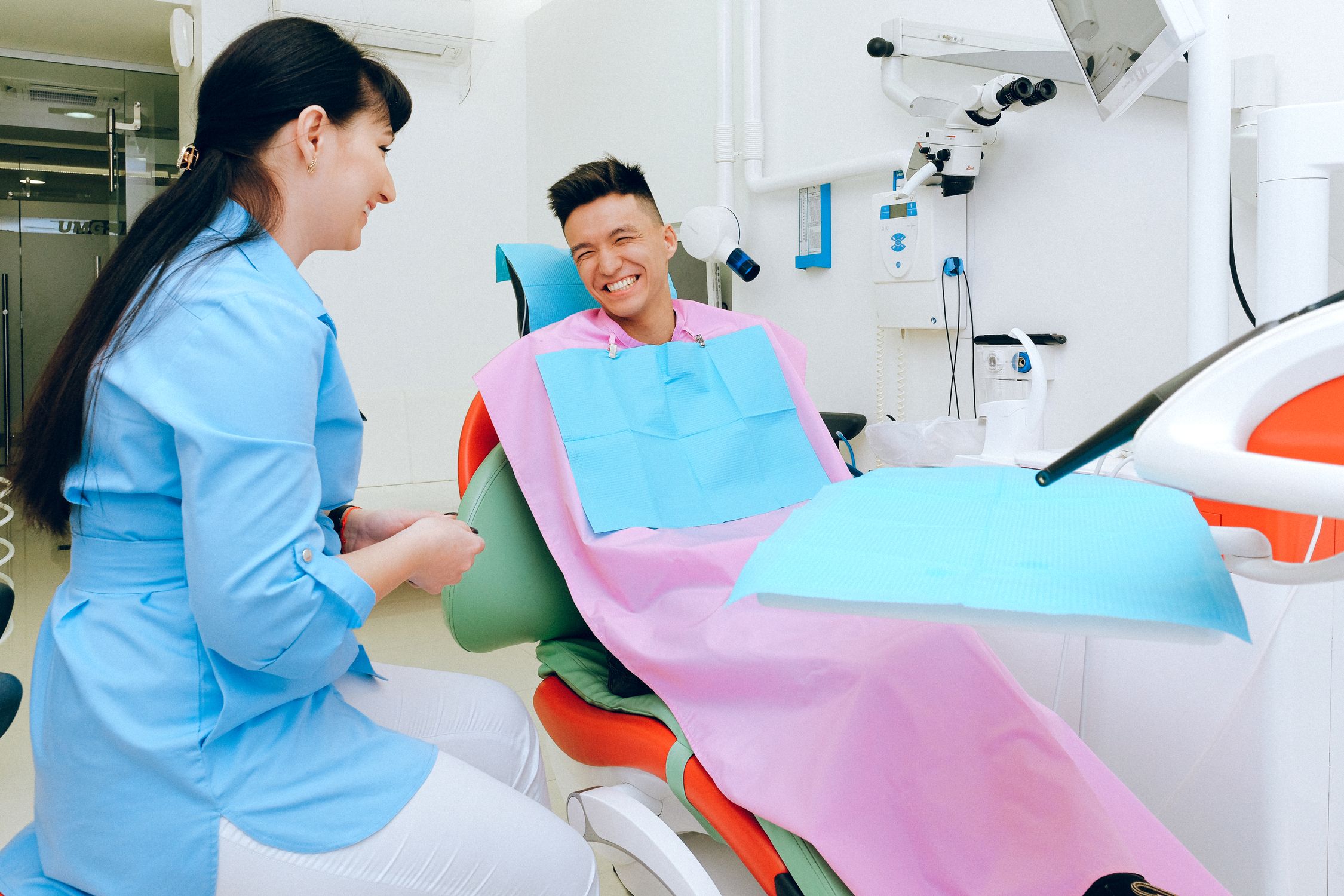
Cosmetic dentistry decisions are high-value and high-anxiety — patients are committing to something permanent on their face. Showing what veneers, crowns, or a full smile makeover will look like removes the fear of the unknown before the first prep appointment. Our dental before-and-after preview tool is built for chairside use during patient consultations. One caveat: previews work best from front-facing, well-lit photos. Angled or low-light shots produce less precise results.
Hair salons and barbershops
Color changes and cuts are effectively irreversible for weeks, which is exactly why clients hesitate — they can't picture the result until it's already on their head. A preview lets them try several styles before committing, and it also cuts down on the unhappy-client-in-the-chair problem after the fact. Set the expectation that previews simulate how a style could look, not a guarantee of the exact final result.
Med spas and plastic surgery clinics
Injectables and surgical procedures carry real financial stakes and real recovery time. A realistic facelift preview or filler simulation helps patients set accurate expectations before they book, which also means fewer post-procedure surprises. Previews are a consultation aid, not a surgical plan — always pair them with clinical guidance from the practitioner.
Interior designers and landscapers
Home transformation projects carry high financial stakes and long timelines, so scope changes mid-project are expensive for everyone. Showing a homeowner what their space will look like before construction begins cuts down on approval delays. The limit here: previews reflect a style direction, not exact material textures or precise dimensions.
Automotive wrap shops
Clients routinely struggle to picture how a car wrap color will actually read on their specific vehicle versus in a swatch book. A photorealistic preview closes more sales and cuts down on wrap remorse after install. Results are most accurate on vehicles with standard finishes — custom body modifications can shift how closely the preview matches the final wrap.
How to use previews during in-person consultations
The best consultation flow puts the preview in the middle of the appointment, not at the end.
Most practitioners generate the preview only after everything else has been discussed — pricing, aftercare, scheduling. By then the client is already weighing a decision, and the preview lands as a closing tactic rather than something that helped them decide. Generate it earlier instead, while you're still exploring options together. That single sequencing change shifts the dynamic from "let me convince you" to "let's figure out what you want."
Three things that make previews work better in person:
- Use a tablet, not a phone. The larger screen makes the before-and-after easier to actually compare.
- Let the client hold the tablet. Physically holding the result increases their sense of ownership over the decision.
- Save the preview image so the client can send it to a partner or friend. A realistic preview image traveling by text message is one of the better referral channels you're not currently tracking.
Privacy and client trust
One question we hear often: "Is it safe to upload client photos?"
With Makeover, yes. Your software is built to handle client photos in line with HIPAA, GDPR, or whatever regulation applies to your practice, and the retention policy is your call, not ours. What never changes: we don't use client photos to train our AI models or share data with third parties.
Client trust is the foundation of any consultation business. A tool that leaks that trust costs you more than it saves — we designed our platform to protect it, not put it at risk.
Put the preview in the consultation
The gap between "let me think about it" and a booked appointment is usually just one missing thing: proof the client can see. Words and stock photos ask clients to imagine their result. A preview shows it to them.
If you run a dental practice, med spa, salon, wrap shop, or design studio and want to see how a photorealistic before-and-after would fit into your own consultation flow, browse Makeover's use cases by industry and reach out — every build is scoped around how your team actually works with clients, not a generic template.