Show clients their new beard shape before you pick up the trimmer
Photograph the client in the chair. Makeover generates a photorealistic beard-shape preview in seconds — their own jawline, cheek line, and growth pattern, not a stock beard photo pulled off the wall.
Custom-built for your industry · No commitment
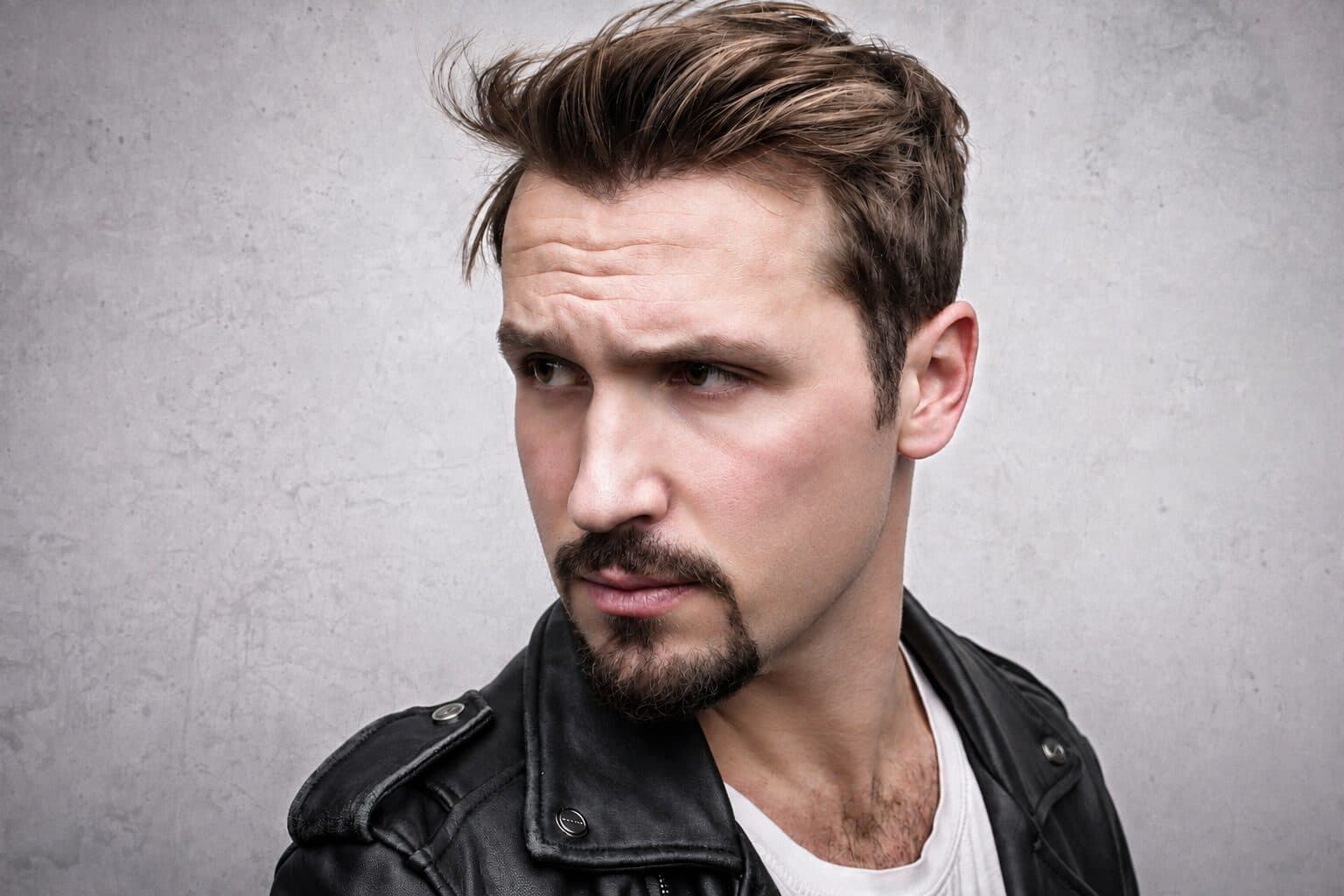

Drag the slider to compare
What is a beard styling preview?
A beard styling preview tool uses AI to generate a photorealistic image of a client's face with a proposed beard shape, length, or fade already applied. The barber photographs the client in the chair, and the tool renders the new beard line, taper, or full sculpt on their actual jawline, cheek line, and growth pattern — not a reference photo of someone else's beard pinned to the mirror. Barbershops use this before committing to a cut, because a beard shape mistake can take four to eight weeks to grow back.
Why it matters
A beard sculpt or shape-up runs $20–40 as a haircut add-on and $45–90 as a standalone service at a dedicated grooming lounge — priced on the barber's skill with a straight razor and line-up, not on product. The friction isn't cost, it's reversibility: once you clean up a neckline, taper a cheek line, or shave down a full beard to a boxed style, the client is wearing that decision for weeks while it grows back. That's why regulars who've had the same beard for years go quiet in the chair the moment you suggest something different, and why first-time clients hedge with "just clean it up" instead of committing to a real shape.
Who uses this
Barbers and master barbers doing beard sculpting and line-ups as part of a standard cut. Dedicated grooming lounges and shave parlors where beard shaping, hot towel treatments, and straight-razor work are the core service. Men's salons adding beard styling as an upsell alongside haircuts. Beard and mustache specialty studios that sell shape consultations on their own.
Heard this from a client?
A client with three weeks of scraggly growth wants a defined boxed beard but stalls with "what if it looks patchy once you clean up the neckline and cheek line?"
A round-faced client isn't sure a fuller beard will slim his jaw, and a narrow-faced client worries a short shape-up will look weak — neither will approve the cheek line until they can see it on their own face.
A longtime client wants to finally shave the beard he's worn for five years down to a clean fade, but backs out in the chair because he's not ready to be wrong about it for the next two months.
How beard styling previews work
Three steps. Under 10 seconds. No design skills needed.
Photograph the client in the chair
One frontal shot and one side profile under your normal shop lighting. No special camera or setup needed — a phone works.
AI generates the beard preview
The model renders the proposed shape, length, taper, or fade onto the client's actual jawline, cheek line, and existing growth density and pattern.
Present before the first cut
The client sees his own face with the new shape before a single hair comes off. He points at the line he wants, and you cut to it.
Common questions about beard styling
Straight answers. No jargon.
Let's build the version made for your business
Every preview on this site is a variation of the same engine, tuned to one industry. Tell us about yours, and we'll show you exactly what we'd build for it.
We reply within one business day